

Data AnalysisMarketing AnalyticsGoogle Analytics Auditing

GA4 Auditor

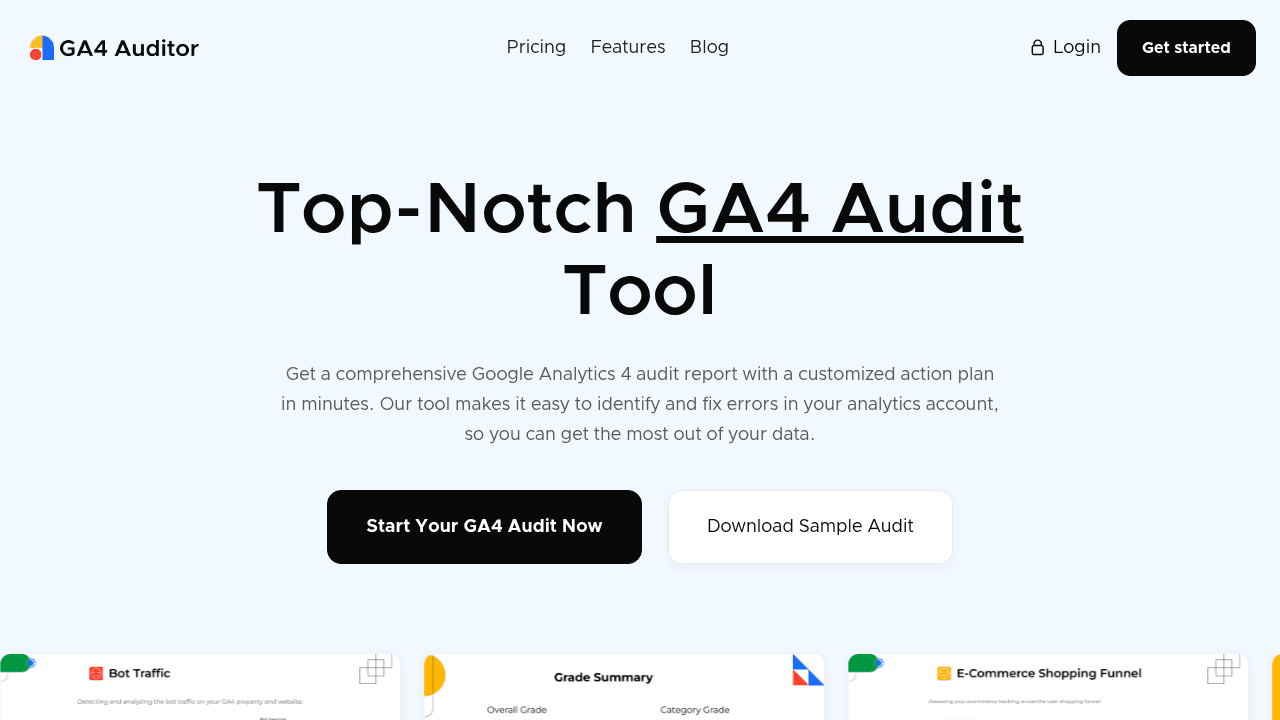
Automate comprehensive GA4 audits with actionable insights in minutes

Monthly Visits: 3.8K
One-Time Payment
Visit Website
GA4 Auditor

What is GA4 Auditor?

GA4 Auditor automatically scans your Google Analytics 4 setup to find errors and optimization opportunities. It generates detailed reports with step-by-step fixes to improve data accuracy and marketing decisions. Save hours by replacing manual checks with automated audits that agencies can white-label for clients.

Key Features of GA4 Auditor

  1. 1

    Tag Health Check

    Detects firing issues & duplicate tracking tags

  2. 2

    Data Integrity Scan

    Identifies missing data, spam traffic & sampling errors

  3. 3

    Actionable Plan

    Provides prioritized fixes with implementation guidance

  4. 4

    White-Label Reporting

    Agencies add custom branding to audit reports

  5. 5

    Multi-Format Export

    Download as PDF, PowerPoint, or Google Slides

GA4 Auditor AI Tool Use Cases

  • ๐Ÿ”
    Audit GA4 implementation accuracy
  • ๐Ÿ› ๏ธ
    Optimize conversion tracking setup
  • ๐Ÿ“Š
    Prepare client migration reports
  • ๐Ÿค–
    Replace manual audit checklists
  • ๐Ÿท๏ธ
    Create white-label analytics reports

FAQs from GA4 Auditor

What languages does the audit support?

Currently supports English, with Spanish and French coming soon

Can I customize report branding?

Yes, agencies can white-label reports with their own theme and logo

Is my payment information secure?

All payments processed through Stripe with no card details stored

Pros & Cons of GA4 Auditor

Pros (4)

  • 40+ page reports analyze 100+ data points
  • White-label option for agencies
  • Saves 90% time vs manual audits
  • One-time payment (no subscription)

Cons (3)

  • Only supports English reports initially
  • No free plan for small-scale testing
  • Requires GA4 admin access to audit

GA4 Auditor's Pricing Plans

Single Audit

one-time

Features

  • 1 comprehensive audit
  • PDF/PPT formats
  • Multiple themes
  • Premium support

Agency

annual

Features

  • 100 audits/year
  • Google Slides export
  • White-label branding
  • Premium support

Custom

custom

Features

  • Unlimited audits
  • All export formats
  • Dedicated support
  • Feature requests
For the latest pricing info, pleaseย visit the official website

More Info About GA4 Auditor

Who is using ga4 auditor?

This tool is best for:

  1. Digital Marketing Agencies
  2. Analytics Consultants
  3. Enterprise Marketing Teams

GA4 Auditor's Tags

Explore more niche AI tool websites by clicking on a tag* (works only if it has enough tools).

#NoCodeAnalytics #DataQuality#GA4Audit#GA4Migration

Website Analytics of GA4 Auditor

GA4 Auditor Website Traffic & SEO Analysis:

Recent data shows that GA4 Auditor has 3.8K monthly visits (-27.1% decrease from the previous month), 41.0% bounce rate, and average 1.55 pages per visit.
Traffic is primarily driven by 6 different sources, with users from 4 countries worldwide, led by United States contributing 44% of total traffic. SEO performance is shown by 5 tracked keywords, with "ga4 auditor" being the top-performing keyword with 120 monthly searches. See below for more info.

Monthly Visits

3.8K

(-27.1%)

Pages per Visit

1.55

Bounce Rate

41.0%

Average Time on Site

4s

Traffic Trend(Apr 2025 - Oct 2025)

Loading chart...

Top Keywords

SEO KeywordVolumeCPC
ga4 auditor
120-
audit ga installation
50-
ga4auditor
0-
landing page empty ga4
60-
ga4 audit tool
40-

Traffic Sources Distribution

Traffic Share by Source

Loading chart...

Source Breakdown Details

SourceTraffic Share
Direct
51%
Search
32%
Social
6%
Referrals
10%
Paid Referrals
1%

Global Traffic Distribution

Traffic Share by Country

Loading chart...

Geographic Breakdown Details of top 4 countries

Country NameTraffic Share
United States44%
United Kingdom31%
Germany21%
India4%
Analytics data is estimated (from third-party analytics providers) and for reference only.

๐Ÿš€ GA4 Auditor Launch Badge

Promote your Toolbit Launch by using the badge on your website. It can be inserted on your home page or footer easily.

How to use: Simply copy and paste the embed code into your homepage or footer HTML to display it instantly and build community support.

ToolBit badge

Reviews for GA4 Auditor