Vivid

Sync Figma designs with code components automatically

Monthly Visits: 1.5K
Visit Website
Vivid

What is Vivid?

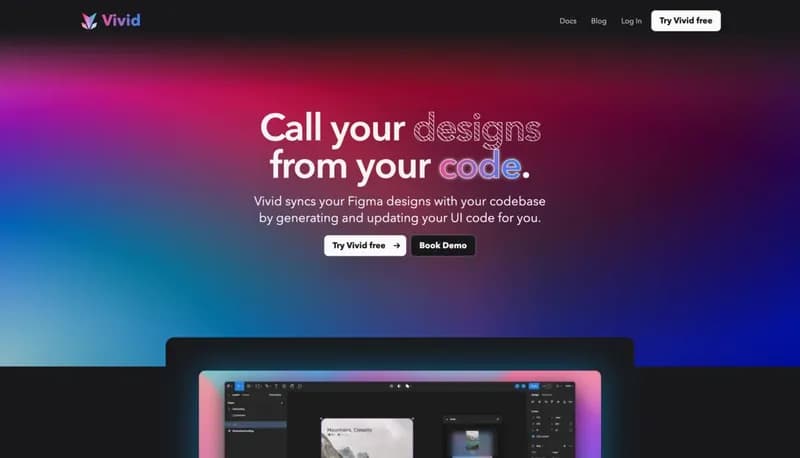
Vivid bridges the gap between designers and developers by automatically converting Figma designs into production-ready code. It keeps your UI in sync with design updates while letting developers maintain control over functionality. Saves hours of manual coding by handling style implementation and design system maintenance.

Key Features of Vivid

  1. 1

    Auto-Updating Styles

    Styles stay synced with Figma design changes automatically

  2. 2

    Edit Protection

    Preserves code customizations during design updates

  3. 3

    Variant Awareness

    Automatically adapts styles based on component props

  4. 4

    Style Isolation

    Separates design styles from functional code logic

Vivid AI Tool Use Cases

  • 🔄
    Sync design changes without breaking code
  • 💻
    Generate base UI code from Figma
  • 🎨
    Maintain consistent design systems in code
  • 👥
    Collaborate across design-dev workflows

FAQs from Vivid

How does Vivid handle design updates?

Regenerates code through pull requests while preserving developer-made edits to functionality

Can developers customize the generated code?

Yes, developers can overwrite styles and add logic while maintaining sync capabilities

What happens if I change a component variant in Figma?

Variant-aware styles automatically adapt based on component props in code

Pros & Cons of Vivid

Pros (4)

  • Reduces manual UI implementation work
  • Preserves code edits during design updates
  • Enforces design-system consistency
  • Clear separation between styles and logic

Cons (2)

  • Currently Figma-exclusive (no other design tools)
  • Requires initial setup between design and code

More Info About Vivid

Who is using vivid?

This tool is best for:

  1. Front-end developers working with Figma designs
  2. UI/UX teams maintaining design systems
  3. Product teams needing design-dev alignment

Vivid's Tags

Explore more niche AI tool websites by clicking on a tag* (works only if it has enough tools).

#DesignToCode #UIDevelopment#FigmaDev#DesignSystemSync

Integrate Vivid With This App

Vivid can be integrated with this app or service:

  • Figma

Website Analytics of Vivid

Vivid Website Traffic & SEO Analysis:

Recent data shows that Vivid has 0 monthly visits (-100.0% decrease from the previous month), 0.0% bounce rate, and average 0.00 pages per visit.
Traffic is primarily driven by 6 different sources. SEO performance is shown by 4 tracked keywords, with "vivid" being the top-performing keyword with 77.9K monthly searches. See below for more info.

Pages per Visit

0.00

Bounce Rate

0.0%

Traffic Trend(Apr 2025 - Oct 2025)

Loading chart...

Top Keywords

SEO KeywordVolumeCPC
vivid
77.9K$2.23
vivid ai
1.1K$1.95
https://www.vivid.com
140-
https://www.vivid.com/
10-
Analytics data is estimated (from third-party analytics providers) and for reference only.

🚀 Vivid Launch Badge

Promote your Toolbit Launch by using the badge on your website. It can be inserted on your home page or footer easily.

How to use: Simply copy and paste the embed code into your homepage or footer HTML to display it instantly and build community support.

ToolBit badge

Reviews for Vivid