






AI Writing AssistantBusiness ProductivityDocument Generation

DocuHelp AI

Generate professional business documents in minutes

Freemium
Free Version
Visit Website
DocuHelp AI

What is DocuHelp AI?

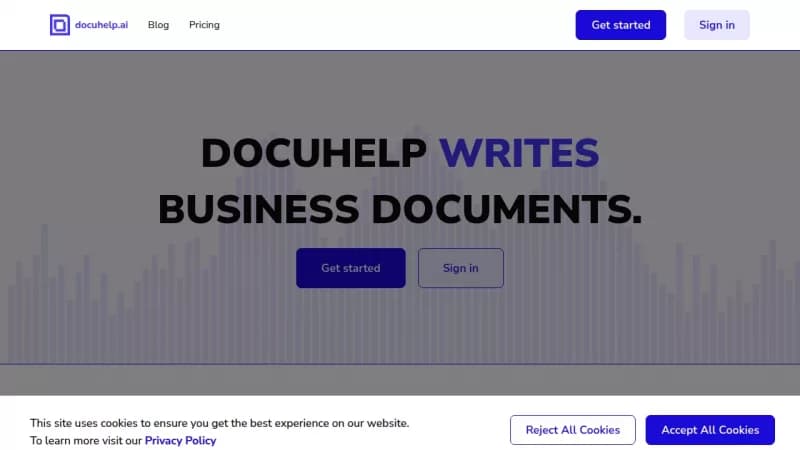
DocuHelp AI helps businesses create high-quality documents like reports, proposals, and letters quickly and easily. It enables real-time collaboration among team members, reducing confusion and email chains for better efficiency. You can tailor the AI to your industry for more accurate and relevant results.

Key Features of DocuHelp AI

  1. 1

    Real-time Collaboration

    Work with your team simultaneously on documents in real time

  2. 2

    Industry Focus

    Tailor prompts to your specific industry for precise document generation

  3. 3

    Custom Models

    Train AI models on your company data for improved accuracy

  4. 4

    Analytics

    Monitor staff prompts and generated results for insights

  5. 5

    Quick Generation

    Create professional documents in minutes with high accuracy

DocuHelp AI Tool Use Cases

  • 📝
    Write Business Letters
  • 💻
    Generate Code Snippets
  • ✍️
    Write Blog Posts
  • 📄
    Generate Product Descriptions
  • 📊
    Create Work Reports and Proposals

Pros & Cons of DocuHelp AI

Pros (4)

  • Generates documents quickly in minutes
  • Enables real-time team collaboration
  • Offers industry-specific customization for precise results
  • Provides analytics and fine-tuning for model improvement

Cons (2)

  • May produce inaccurate information about people, places, or facts
  • Could display offensive content not representing company views

More Info About DocuHelp AI

Who is using docuhelp ai?

This tool is best for:

  1. Business Owners
  2. Team Leaders
  3. Content Writers
  4. Project Managers

DocuHelp AI's Tags

Explore more niche AI tool websites by clicking on a tag* (works only if it has enough tools).

#BusinessProductivity #TeamCollaboration #AIDocumentWriter#DocumentGeneration#DocuHelp

🚀 DocuHelp AI Launch Badge

Promote your Toolbit Launch by using the badge on your website. It can be inserted on your home page or footer easily.

How to use: Simply copy and paste the embed code into your homepage or footer HTML to display it instantly and build community support.

ToolBit badge

Reviews for DocuHelp AI