








AI for LawyersLegal Time TrackingAutomated Timesheets

MagicTime

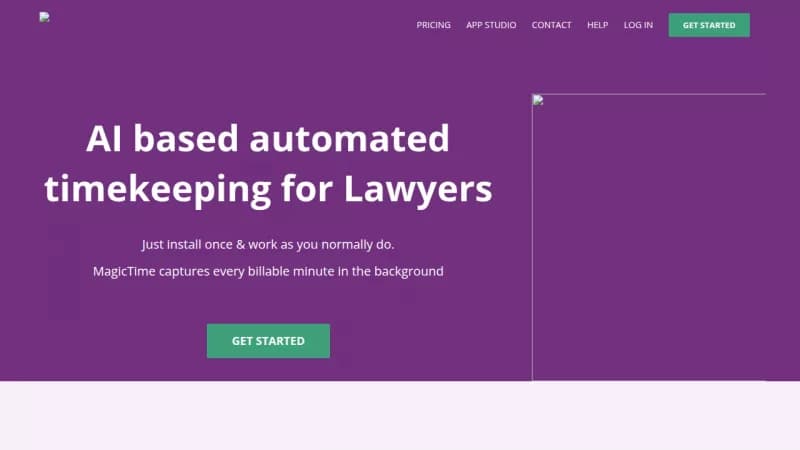
Automatically capture and file billable time for lawyers

Monthly Visits: 3.8K
Visit Website
MagicTime

What is MagicTime?

MagicTime uses AI to track every billable minute you spend on legal work without any manual logging. It categorizes your activities and files timesheets directly to practice management apps, saving you hours each week. This helps you focus on more billable tasks and improves your billing accuracy and collection rates.

Key Features of MagicTime

  1. 1

    Auto Capture

    Tracks billable minutes automatically in the background as you work

  2. 2

    Auto Categorize

    Uses AI to tag activities to correct clients and matters

  3. 3

    Auto Filing

    Files time entries to legal apps like Clio with one click

  4. 4

    Custom Rules

    Set personal rules to control which activities are captured

  5. 5

    Multi-Platform

    Works on Windows, Mac, iOS, Android, and Chrome seamlessly

MagicTime AI Tool Use Cases

  • ⏱️
    Track billable hours automatically
  • 📄
    File timesheets to legal apps
  • 👥
    Collaborate securely with teams
  • 💼
    Share detailed timelogs with clients

FAQs from MagicTime

How does MagicTime capture billable time?

It automatically captures every billable minute in the background while you work on various apps like Gmail and Word.

Is my data secure with MagicTime?

Yes, no one including firm admins have access to your data, and it is handled in a highly secure environment.

What applications does MagicTime integrate with?

It works with Gmail, Word, Outlook, USPTO, FastCase, and legal practice management apps like Clio and PracticePanther.

Pros & Cons of MagicTime

Pros (4)

  • Automatically captures all billable time accurately
  • Improves billing collection rates with transparent reporting
  • Highly secure with data visible only to the user
  • Learns and improves over time with AI

Cons (2)

  • Primarily designed for legal professionals and tasks
  • Requires integration with specific practice management apps

More Info About MagicTime

Who is using magictime?

This tool is best for:

  1. Lawyers
  2. Legal Professionals
  3. Law Firms
  4. Solo Practitioners

MagicTime's Tags

Explore more niche AI tool websites by clicking on a tag* (works only if it has enough tools).

#LegalTech #TimeTracking#AutomatedBilling#BillableHours#MagicTime

Integrate MagicTime With These Apps

MagicTime can be integrated with these apps and services:

  • Gmail
  • Word
  • Outlook
  • USPTO
  • FastCase
  • Clio
  • PracticePanther
  • Rocket Matter
  • CaseText
  • LexisNexis
  • RingCentral
  • Powerpoint
  • Chrome
  • Calendar
  • GPS

Platforms & Device Support

Use MagicTime on your favorite device - available across multiple platforms for flexibility.

Desktop App

Mac
✓ Available
Windows
✓ Available

Website Analytics of MagicTime

MagicTime Website Traffic & SEO Analysis:

Recent data shows that MagicTime has 3.8K monthly visits (-15.3% decrease from the previous month), 44.0% bounce rate, and average 2.42 pages per visit.
Traffic is primarily driven by 6 different sources, with users from 3 countries worldwide, led by United States contributing 78% of total traffic. SEO performance is shown by 5 tracked keywords, with "lawgro" being the top-performing keyword with 90 monthly searches. See below for more info.

Monthly Visits

3.8K

(-15.3%)

Pages per Visit

2.42

Bounce Rate

44.0%

Average Time on Site

33s

Traffic Trend(Aug 2025 - Oct 2025)

Loading chart...

Top Keywords

SEO KeywordVolumeCPC
lawgro
90-
magictime by lawgro
20-
corvum
1.0K-
magictime
610-
filevine
19.4K$31.84

Traffic Sources Distribution

Traffic Share by Source

Loading chart...

Source Breakdown Details

SourceTraffic Share
Direct
33%
Search
51%
Social
8%
Referrals
7%
Paid Referrals
1%

Global Traffic Distribution

Traffic Share by Country

Loading chart...

Geographic Breakdown Details of top 3 countries

Country NameTraffic Share
United States78%
India21%
Canada1%
Analytics data is estimated (from third-party analytics providers) and for reference only.

🚀 MagicTime Launch Badge

Promote your Toolbit Launch by using the badge on your website. It can be inserted on your home page or footer easily.

How to use: Simply copy and paste the embed code into your homepage or footer HTML to display it instantly and build community support.

ToolBit badge

Reviews for MagicTime