
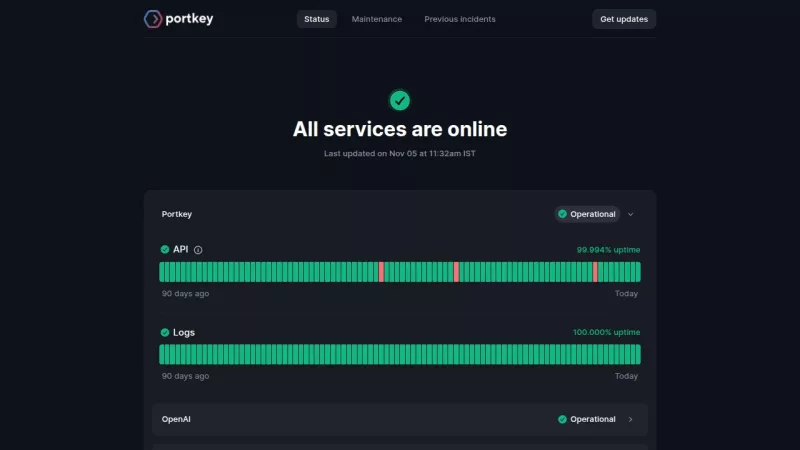
Monitor AI service uptime and receive real-time incident alerts
no questions found.
Promote your Toolbit Launch by using the badge on your website. It can be inserted on your home page or footer easily.
How to use: Simply copy and paste the embed code into your homepage or footer HTML to display it instantly and build community support.

Traffic, engagement & audience insights
1.2K
Monthly Visits
4.48
Pages per Visit
38.0%
Bounce Rate
2m 33s
Avg. Time on Site
| SEO Keyword | Volume | CPC |
|---|---|---|
1portkey | 17.3K | $1.83 |
2portkey ai | 2.0K | $5.23 |
3openrouter alternatives | 4.4K | $3.18 |
4port key | 800 | - |
5portkey ai gateway | 1.0K | - |
| Source | Monthly Visits | Traffic Share |
|---|---|---|
Mail | 21 | 3% |
Direct | 718 | 90% |
Referrals | 57 | 7% |
| Country | Monthly Visits | Share |
|---|---|---|
1  | 270 | 22% |
2  | 249 | 20% |
3  | 115 | 9% |
4  | 74 | 6% |
5  | 27 | 2% |
| Platform | Rank | Share |
|---|---|---|
chatgpt.com | #1 | 94.5% |
claude.ai | #2 | 3.2% |
gemini.google.com | #3 | 2.2% |
perplexity.ai | #4 | 0.0% |
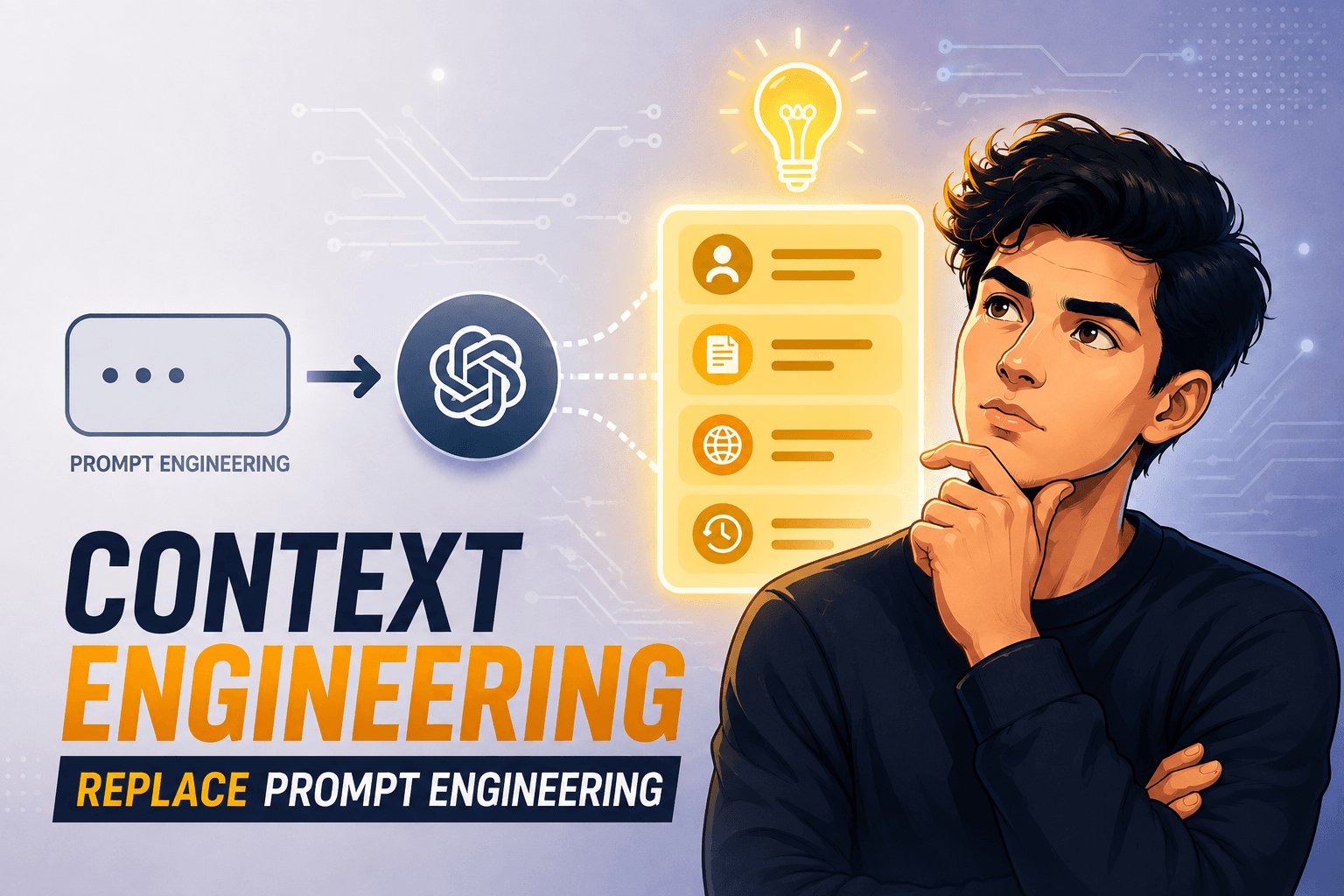
Prompt engineering taught us how to phrase instructions. Context engineering goes further deciding what an AI model should remember, retrieve, see, and use at every step. Learn why this is becoming a critical skill for reliable AI agents and production systems.