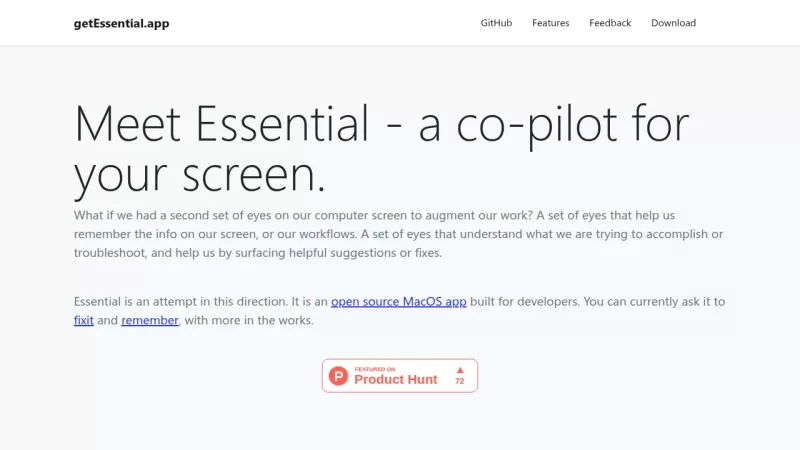
Essential tackles the everyday hassles developers face, like spending too much time fixing errors or trying to recall what they did earlier. It's a Mac app that acts as a co-pilot for your screen, running in the background and keeping an eye on the last 5 minutes of your activity. Using computer vision and AI from OpenAI, it understands what's on your screen—whether it's a build failure in your IDE, an error in the terminal, or anything else. With a quick ⌘-tab, you can switch to Essential to get instant fixes through its 'Fixit' feature, which suggests solutions tailored to your context, so you don't have to copy-paste errors into search engines. The 'Remember' function uses OCR to capture and summarize important screen moments, organizing them into stories for easy lookup later. Everything processes locally on your Mac, meaning no data is sent to the cloud, which is great for privacy. While it's super handy for developers working with code and tools, it's currently limited to MacOS and only tracks recent activity, so it might not catch everything if you're on other platforms or need longer histories. It's open source, so you can check out the code and even contribute to make it better.