








Remote Desktop ControlMobile App UtilitiesVoice Input Tools

WiFi Mouse

Control your computer wirelessly with your smartphone

Monthly Visits: 34.9K
Free
Free Version
Visit Website
WiFi Mouse

What is WiFi Mouse?

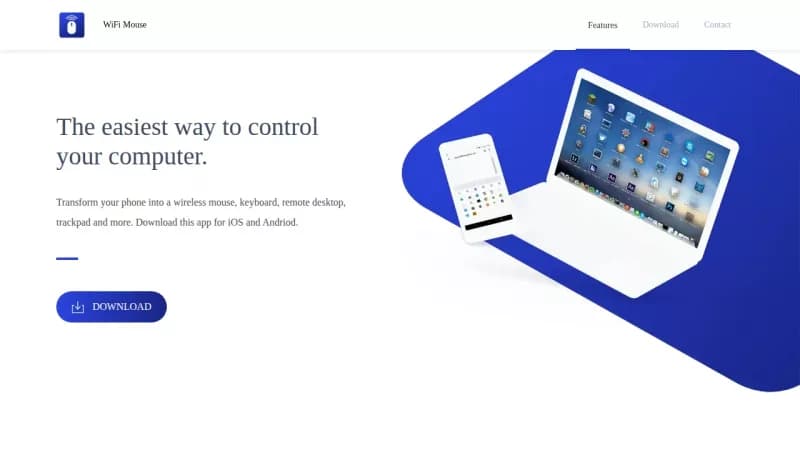
WiFi Mouse transforms your phone into a wireless mouse, keyboard, and remote control for your PC. It lets you control your computer from across the room without any extra hardware. You can even use voice commands to type or manage apps like Spotify and Netflix for added convenience.

Key Features of WiFi Mouse

  1. 1

    Mouse Control

    Simulate mouse clicks and cursor movements from your phone

  2. 2

    Keyboard Input

    Type with full QWERTY keyboard and key combinations support

  3. 3

    Voice Typing

    Convert speech to text and display it on your computer

  4. 4

    Remote Desktop

    Log in and control your desktop remotely from your phone

  5. 5

    Game Mode

    Use joystick simulation for gaming actions like flying and shooting

WiFi Mouse AI Tool Use Cases

  • 🖥️
    Remote desktop control
  • 🎮
    Gaming with joystick
  • 📊
    PPT presentations
  • 🌐
    Web browsing
  • 🔊
    Media playback

FAQs from WiFi Mouse

How do I install WiFi Mouse?

Download the app on your iOS or Android phone, install the Mouse Server on your Windows computer, and connect both to the same WiFi network.

Is WiFi Mouse free to use?

Yes, it's free of charge in exchange for using some of your device's resources like WiFi and limited cellular data.

How do I uninstall Mouse Server?

On Windows, go to Settings > Apps > Apps & features, select Mouse Server, and uninstall.

What devices are supported?

The app supports iOS and Android phones, and the server works on Windows computers.

Pros & Cons of WiFi Mouse

Pros (4)

  • Free to use with no direct cost
  • Supports multiple input methods including voice
  • Easy setup and connection process
  • Can control various applications and power off PC

Cons (3)

  • Requires phone and computer on same WiFi network
  • Uses some device resources like WiFi and data
  • May not support all third-party apps equally

More Info About WiFi Mouse

Who is using wifi mouse?

This tool is best for:

  1. Presenters
  2. Gamers
  3. Home users
  4. Remote workers

WiFi Mouse's Tags

Explore more niche AI tool websites by clicking on a tag* (works only if it has enough tools).

#VoiceToText #WiFiMouse#RemoteControl#MobileApp#ComputerControl

Integrate WiFi Mouse With These Apps

WiFi Mouse can be integrated with these apps and services:

  • VLC
  • Spotify
  • YouTube
  • Netflix
  • Web Browsers

Platforms & Device Support

Use WiFi Mouse on your favorite device - available across multiple platforms for flexibility.

Desktop App

Windows
✓ Available

Website Analytics of WiFi Mouse

WiFi Mouse Website Traffic & SEO Analysis:

Recent data shows that WiFi Mouse has 34.9K monthly visits (16.6% increase from the previous month), 56.0% bounce rate, and average 2.24 pages per visit.
Traffic is primarily driven by 6 different sources, with users from 5 countries worldwide, led by Brazil contributing 18% of total traffic.

Monthly Visits

34.9K

(+16.6%)

Pages per Visit

2.24

Bounce Rate

56.0%

Average Time on Site

1m 2s

Traffic Trend(Aug 2025 - Oct 2025)

Loading chart...

Traffic Sources Distribution

Traffic Share by Source

Loading chart...

Source Breakdown Details

SourceTraffic Share
Direct
38%
Search
47%
Social
4%
Referrals
9%
Paid Referrals
1%

Global Traffic Distribution

Traffic Share by Country

Loading chart...

Geographic Breakdown Details of top 5 countries

Country NameTraffic Share
Brazil18%
India18%
Argentina7%
United States6%
Vietnam6%
Analytics data is estimated (from third-party analytics providers) and for reference only.

🚀 WiFi Mouse Launch Badge

Promote your Toolbit Launch by using the badge on your website. It can be inserted on your home page or footer easily.

How to use: Simply copy and paste the embed code into your homepage or footer HTML to display it instantly and build community support.

ToolBit badge

Reviews for WiFi Mouse