App Review MonitoringNotification ToolsProduct Feedback Management

allstarsbot

Monitor app reviews from App Store and Play Store automatically

Monthly Visits: 471
Freemium
Visit Website
allstarsbot

What is allstarsbot?

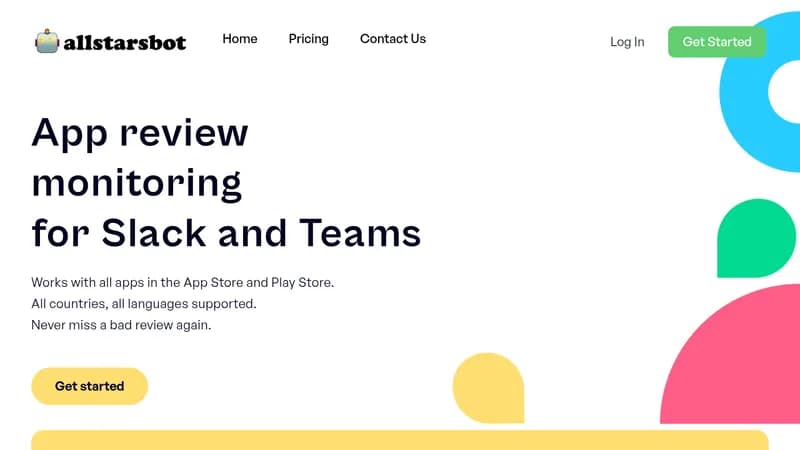
Allstarsbot automatically checks for new reviews of your iOS and Android apps and sends them directly to your Slack or Teams channel. This saves you time by eliminating manual checks and helps you respond quickly to feedback. You can also monitor competitor apps to learn what users like or dislike, improving your own app development.

Key Features of allstarsbot

  1. 1

    Review Monitoring

    Automatically fetch new app reviews from App Store and Play Store

  2. 2

    Translations

    One-click translation of reviews in any language for easy understanding

  3. 3

    Reply Feature

    Quickly respond to reviews with direct links to app stores

  4. 4

    Sharing

    Easily share reviews with team members for collaboration

  5. 5

    Competitor Insights

    Monitor reviews from competing apps to gain insights

allstarsbot AI Tool Use Cases

  • πŸ”
    Monitor app reviews
  • ✍️
    Reply to user reviews
  • πŸ‘₯
    Share feedback with team
  • πŸ“Š
    Learn from competitors
  • πŸ€–
    Automate daily checks

FAQs from allstarsbot

What is allstarsbot?

allstarsbot is a review monitor that sends you new app reviews directly to the channel of your choice in Slack or Teams.

How does it work?

It’s easy and takes one minute only: Select an app, connect Slack, and it sends reviews.

Can I monitor competitor apps?

Yes, all app reviews are publicly available, so you can monitor your app or competitors.

Does it work for all countries and languages?

Yes, we check for reviews from any country and language, with translation available.

How often are reviews checked?

We check multiple times per day for new reviews.

Pros & Cons of allstarsbot

Pros (4)

  • Saves time by automating review checks
  • Supports all apps, countries, and languages
  • Integrates with Slack and Teams for easy access
  • Provides insights from competitor reviews

Cons (3)

  • Only integrates with Slack and Teams
  • Limited to app reviews from App Store and Play Store
  • Requires paid subscription after free trial period

More Info About allstarsbot

Who is using allstarsbot?

This tool is best for:

  1. App developers
  2. Customer support teams
  3. Product managers
  4. Business owners with apps

allstarsbot's Tags

Explore more niche AI tool websites by clicking on a tag* (works only if it has enough tools).

#CustomerFeedback #ReviewManagement#MobileApps#AppReviewMonitor#AllstarsBot

Integrate allstarsbot With These Apps

allstarsbot can be integrated with these apps and services:

  • Slack
  • Microsoft Teams

Website Analytics of allstarsbot

allstarsbot Website Traffic & SEO Analysis:

Recent data shows that allstarsbot has 471 monthly visits (Infinity% increase from the previous month), 42.0% bounce rate, and average 1.02 pages per visit.
Traffic is primarily driven by 6 different sources, with users from 2 countries worldwide, led by Germany contributing 73% of total traffic. SEO performance is shown by 3 tracked keywords, with "get yelp notifications in slack channel" being the top-performing keyword with 430 monthly searches. See below for more info.

Monthly Visits

471

(+Infinity%)

Pages per Visit

1.02

Bounce Rate

42.0%

Traffic Trend(Jul 2025 - Oct 2025)

Loading chart...

Top Keywords

SEO KeywordVolumeCPC
get yelp notifications in slack channel
430-
app store review to slack
60-
free appreview to slack
60-

Traffic Sources Distribution

Traffic Share by Source

Loading chart...

Source Breakdown Details

SourceTraffic Share
Direct
38%
Search
40%
Social
5%
Referrals
14%
Paid Referrals
2%

Global Traffic Distribution

Traffic Share by Country

Loading chart...

Geographic Breakdown Details of top 2 countries

Country NameTraffic Share
Germany73%
United States27%
Analytics data is estimated (from third-party analytics providers) and for reference only.

πŸš€ allstarsbot Launch Badge

Promote your Toolbit Launch by using the badge on your website. It can be inserted on your home page or footer easily.

How to use: Simply copy and paste the embed code into your homepage or footer HTML to display it instantly and build community support.

ToolBit badge

Reviews for allstarsbot