


AI Sales AssistantClient OnboardingDesign Business Tools

dotbrand AI Genie

Automate client conversations and close design projects faster

Monthly Visits: 774
Custom
Visit Website
dotbrand AI Genie

What is dotbrand AI Genie?

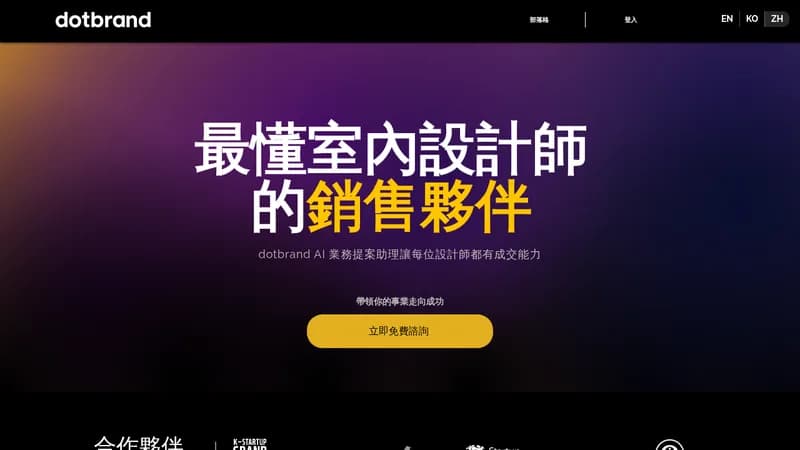
dotbrand AI Genie helps design businesses streamline their sales process by automatically replying to client messages, rendering images, and drafting proposals in minutes. This saves you from spending unpaid hours on client courting and reduces the back-and-forth that often leads to lost projects. By turning casual chats into clear project briefs, it ensures everyone is aligned from the start, boosting your chances of winning work.

Key Features of dotbrand AI Genie

  1. 1

    Auto-Replies

    Responds to client messages automatically to save time

  2. 2

    Image Rendering

    Creates visual concepts based on client discussions

  3. 3

    Proposal Drafting

    Generates structured project proposals quickly

  4. 4

    Brief Creation

    Turns casual conversations into clear project briefs

  5. 5

    Client Interview

    Automates gathering client requirements and feedback

dotbrand AI Genie Tool Use Cases

  • 🔍
    Automate client interviews
  • ✍️
    Draft project proposals
  • 🖼️
    Render design concepts
  • 📋
    Create project briefs
  • 💬
    Manage client communications

FAQs from dotbrand AI Genie

Will using dotbrand make me seem less professional?

No, clients care about results, and dotbrand helps gather client needs and deliver professional proposals that showcase expertise.

How does dotbrand fit if I meet clients in person?

It turns in-person notes into project plans and briefs, saving time so you can focus on site visits and relationships.

Will automation reduce my control over projects?

No, it enhances control by aligning client expectations upfront and streamlining processes for better creative results.

Pros & Cons of dotbrand AI Genie

Pros (4)

  • Reduces communication time and aligns client expectations
  • Enhances client satisfaction with professional proposals
  • Minimizes revisions by capturing requirements accurately
  • Boosts proposal success rates with AI-generated reports

Cons (3)

  • May be perceived as less personal in client interactions
  • Could limit customization for highly specific project needs
  • Might not fully replace in-person meeting dynamics

More Info About dotbrand AI Genie

Who is using dotbrand ai genie?

This tool is best for:

  1. Design Business Owners
  2. Brand Consultants
  3. Art Directors

dotbrand AI Genie's Tags

Explore more niche AI tool websites by clicking on a tag* (works only if it has enough tools).

#ClientManagement#DesignBusiness#AISalesAgent#dotbrand#AutomateSales#WinProjects

Website Analytics of dotbrand AI Genie

dotbrand AI Genie Website Traffic & SEO Analysis:

Recent data shows that dotbrand AI Genie has 774 monthly visits (-2.8% decrease from the previous month), 33.0% bounce rate, and average 2.76 pages per visit.
Traffic is primarily driven by 6 different sources, with users from 1 countries worldwide, led by Taiwan contributing 100% of total traffic. SEO performance is shown by 5 tracked keywords, with "ai 業務助理" being the top-performing keyword with 70 monthly searches. See below for more info.

Monthly Visits

774

(-2.8%)

Pages per Visit

2.76

Bounce Rate

33.0%

Average Time on Site

3m 7s

Traffic Trend(Jul 2025 - Oct 2025)

Loading chart...

Top Keywords

SEO KeywordVolumeCPC
ai 業務助理
70-
domain dotbrand.design
70-
brand project client questionnaire
210-
pitch proposal for new clubs
170-
sales brand ai
20-

Traffic Sources Distribution

Traffic Share by Source

Loading chart...

Source Breakdown Details

SourceTraffic Share
Direct
30%
Search
54%
Social
8%
Referrals
7%
Paid Referrals
1%

Global Traffic Distribution

Traffic Share by Country

Loading chart...

Geographic Breakdown Details of top 1 country

Country NameTraffic Share
Taiwan100%
Analytics data is estimated (from third-party analytics providers) and for reference only.

🚀 dotbrand AI Genie Launch Badge

Promote your Toolbit Launch by using the badge on your website. It can be inserted on your home page or footer easily.

How to use: Simply copy and paste the embed code into your homepage or footer HTML to display it instantly and build community support.

ToolBit badge

Reviews for dotbrand AI Genie


