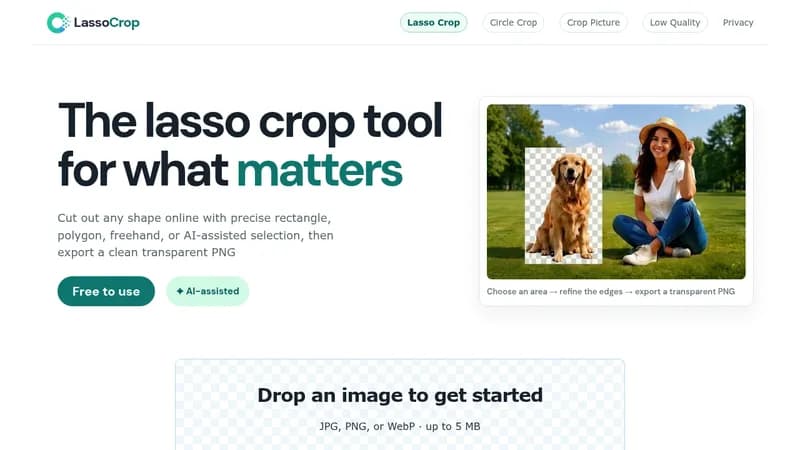
LassoCrop is a free online lasso crop tool that lets users cut out any shape from an image and export a clean transparent PNG. It supports JPG, PNG, and WebP uploads up to 5 MB, with no sign-up or installation required.
Key Features
- Four selection modes: Rectangle, Polygon, Freehand, and AI-assisted
- Optional AI-assisted subject detection that can process the full image or a pre-selected area
- Refinement tools including zoom, pan, undo, redraw, corner handles for rectangles, repositionable Polygon points, and Polygon Angle Snap for 45-degree lines
- Export as a transparent PNG with no watermark, using the dimensions of the selected source area
Workflow
- Upload an image (JPG, PNG, or WebP, up to 5 MB).
- Choose a selection mode depending on the subject: Rectangle for straight-edged content, Polygon for defined corners, Freehand for curved and irregular shapes, or AI-assisted for automatic subject detection.
- Refine the selection boundary using zoom, pan, undo, or redraw.
- Download the cutout as a transparent PNG.
Privacy
Manual selection and standard PNG export happen entirely in the browser. The image is only sent to an external AI image service when the user chooses AI-assisted selection.