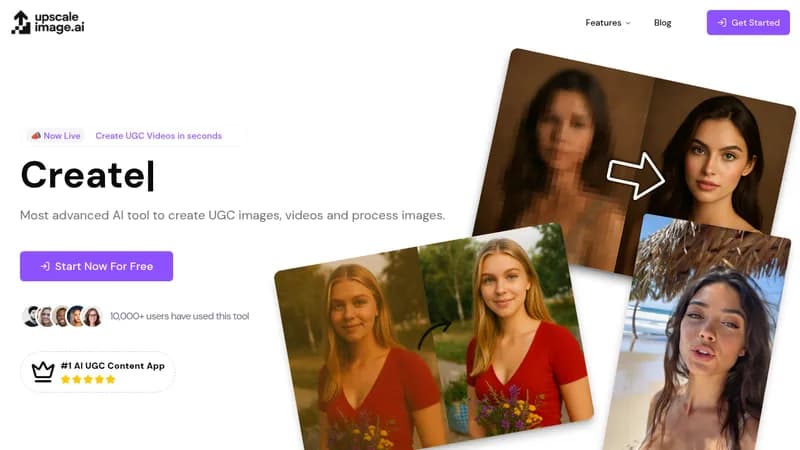
UpscaleImage.AI is an AI-powered tool for creating user-generated content (UGC) images and videos, and processing images. It enables users to generate viral UGC videos for platforms like TikTok and Instagram, create realistic UGC models and influencers for brand marketing, upscale images to high definition (2X, 4X, 8X), fix blurry or low-quality images, restore old damaged photos, and remove backgrounds from photos. The tool aims to reduce video ad creation time from weeks to seconds and achieve studio quality at a fraction of the cost.
Key Features
- UGC Video Generation: Create lifelike UGC videos with automated hook and demo capabilities.
- Model Generation: Generate realistic UGC models and influencers for brand use.
- Image Upscaling: Increase image size without quality loss.
- Blurry Image Fix: Enhance clarity and sharpness of blurry or low-quality images.
- Photo Restoration: Restore old, damaged images.
- Background Removal: Automatically remove backgrounds from images.
- Custom UGC Actors: Access a diverse range of actors or create custom ones.
- Scene Selection: Choose from over 20 different scenes for videos.
- Content Scaling: Create unlimited variations of videos for testing and optimization.
Key Benefits
- AI-powered creation and upscaling
- Saves time and money compared to hiring agencies
- Enables scaling content with unlimited variations
- Custom UGC actors available