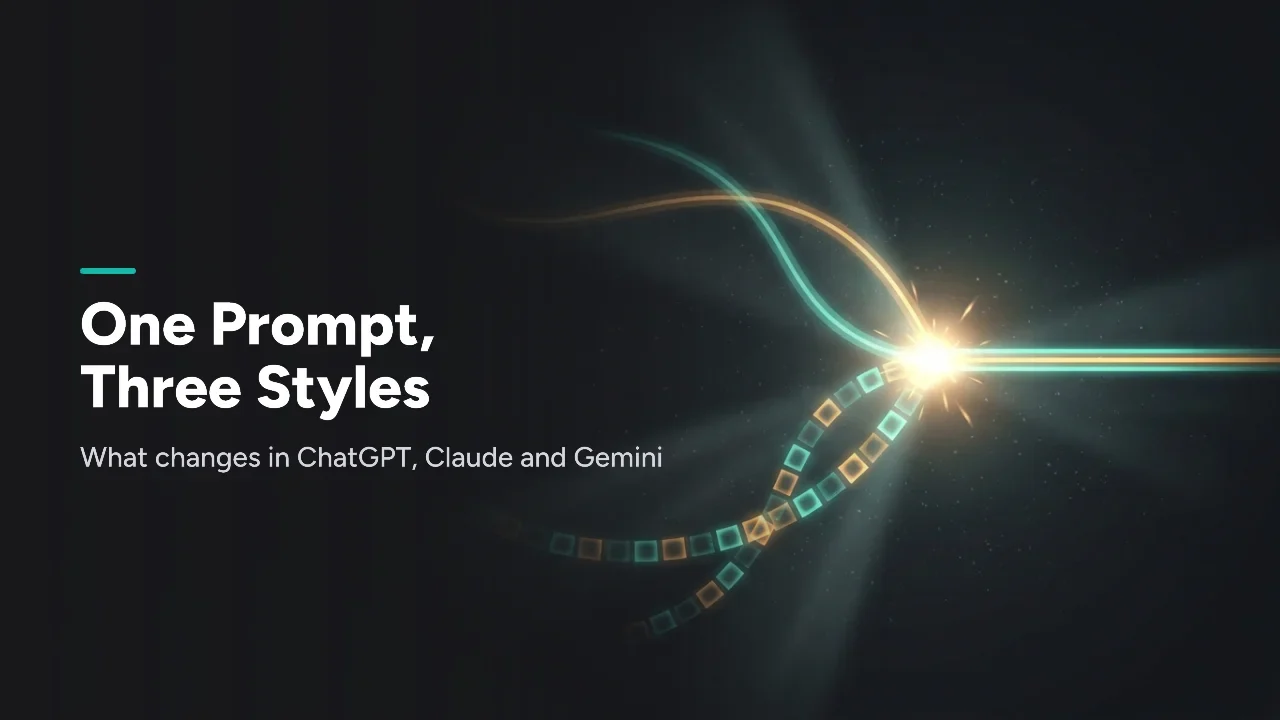
Copy the same prompt into ChatGPT, Claude, and Gemini and you get three different answers, because each tool responds best to a different prompt style. Use a persona and back-and-forth with ChatGPT, labeled XML-style sections with Claude, and short direct instructions with Gemini. Knowing which habit fits which tool is most of the skill behind prompt engineering in 2026.
What does each tool reward in a prompt?
- ChatGPT rewards: detailed system prompts, role-play framing, and iterative back-and-forth refinement
- Claude rewards: explicit structure, XML-style tags separating context, instructions, and examples
- Gemini rewards: concise, direct instructions over long role-play setups
- The one habit that helps everywhere: telling the model exactly what output format you want, instead of assuming it'll guess correctly
How do you prompt ChatGPT? Brief it like a creative partner
ChatGPT tends to perform best with a fuller system prompt: give it a persona, a tone, and a goal, then let the conversation refine itself over a few turns. It handles iterative back-and-forth well. Ask for a draft, react in plain language ("more casual," "cut this section"), and it adjusts without needing the full instruction restated.
- Give it a role up front ("You're a senior copywriter reviewing this for tone"). Persona framing usually works better than a flat instruction.
- Custom GPTs let you save a persona and instruction set, so you're not rebuilding the same system prompt every session.
- It's strong at creative and conversational writing, so loosely specified creative prompts tend to work better here than on the other two.
- Iterative refinement is its strength, so you don't need a perfect prompt on the first try. For a project-wide setup, see Claude Projects vs ChatGPT Projects vs Gemini Gems.
How do you prompt Claude? Structure beats personality
Claude responds well to clearly labeled sections. Anthropic's prompt guide says XML tags help Claude parse prompts that mix instructions, context, examples, and variable inputs, and that wrapping each type of content in its own tag reduces misinterpretation. Plain paragraphs work, but tagged sections tend to give more consistent, better-organized output.
The same prompt, structured the way Claude responds best to:
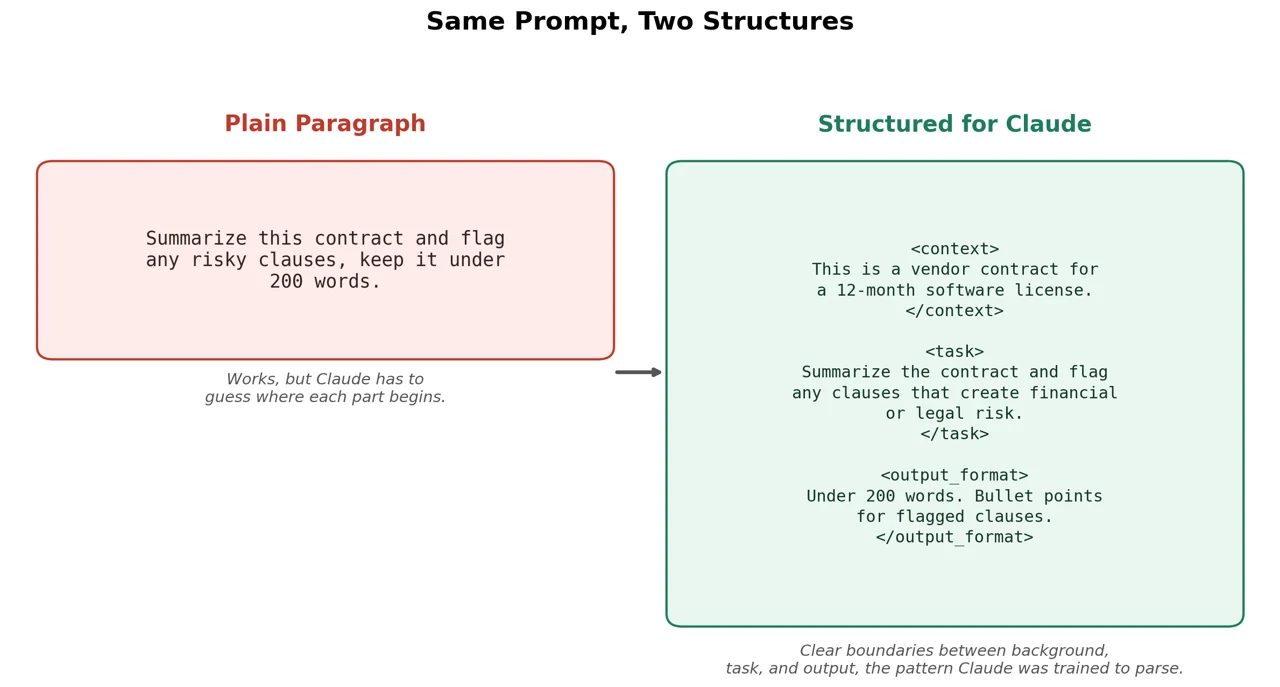
Neither is "wrong," but the second version gives Claude clear boundaries between what's background, what's the actual task, and what the output should look like.
A few other things worth knowing:
- Numbered, sequential steps work better than one dense paragraph for multi-part tasks.
- Asking Claude to think before it answers can help on math, logic, and multi-step reasoning.
- Giving it explicit permission to say "I don't know" can cut down confident wrong answers.
- Anthropic's guide says to put long documents near the top of the prompt, above your question. Then say what to do with them, or you may get a generic summary.
For a deeper look at reusable instructions, read What Are Agent Skills?.
How do you prompt Gemini? Shorter is usually better
Gemini leans the opposite way from ChatGPT. Long role-play setups tend to add less value; concise, direct instructions that get straight to the task usually work better. Google's prompt guide also stresses clear, specific instructions and stating the response format. Gemini's other edge is multimodal input: it can take a long document, image set, audio file, or video in one prompt.
| What you want | How to prompt Gemini for it |
|---|---|
| A quick, factual answer | Keep the instruction short and direct, skip the persona setup |
| Analysis grounded in current events | Ask it directly to use current information, and turn on search grounding if you use the API |
| Analysis across a huge file (long PDF, long video, long audio) | Drop the file in directly and state the task plainly |
| Structured output (tables, JSON) | State the exact format up front instead of leaving it to infer one from a vague ask |
Which prompting habit fits which tool?
| ChatGPT | Claude | Gemini | |
|---|---|---|---|
| Responds best to | Persona and role framing | Explicit XML-style structure | Short, direct instructions |
| Best for | Creative and conversational drafts | Long, structured, multi-part tasks | Fact-grounded and multimodal tasks |
| Biggest prompting mistake | Assuming it needs a rigid template | Writing one dense paragraph instead of labeled sections | Over-explaining with unnecessary role-play |
What should you do when a prompt stops working on another tool?
None of these three is better at prompting in general. They reward different habits. If a prompt moves from one tool to another and the results feel off, the prompt is usually still assuming the previous model's preferences. Adjust the structure to match the tool, not the other way around. If you want to test one prompt across all three, AI Prompt Testing & Structured Output Tools covers cross-model prompt checks.
Model behavior shifts with each release, so habits that work today may need adjusting later.