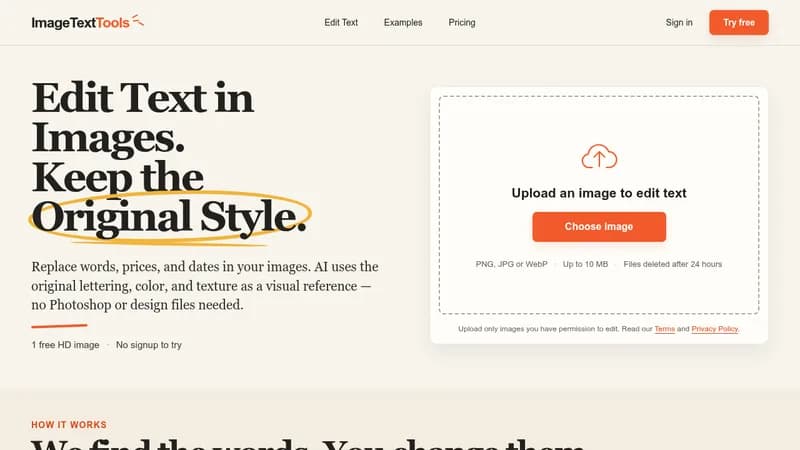
ImageText Tools is a browser-based AI tool for editing text directly inside images without Photoshop, source design files, or font files. Users upload a PNG, JPG, or WebP image (up to 10 MB), and the service detects the text. The user retypes the words they want changed, and the AI regenerates the text using the original lettering, color, and texture as a visual reference.
Key Features
- Automatic text detection in uploaded images
- Style-preserving text replacement that matches the original lettering, color, and texture
- Three generated versions per edit, so users can compare details and choose their preferred result
- Runs entirely in the browser with no design software required
- HD PNG downloads with a longest side of up to 1280 pixels; previews are JPEGs up to 800 pixels
Use Cases
- Updating sale prices and percentages on signage
- Changing event dates on posters
- Modifying opening hours on shop signs
- Editing handwritten notes
- Refreshing decorative lettering and updating text in dense menus
Workflow
Upload an image, select a detected line, type its replacement, and generate one set of three versions. Several lines can be changed within a single edit. Users compare previews and download an eligible HD result after signing in with Google.
Privacy and Safety
Uploaded files are stored privately with access checks and are scheduled for deletion 24 hours after upload or generation. Users may only upload images they have permission to edit.