
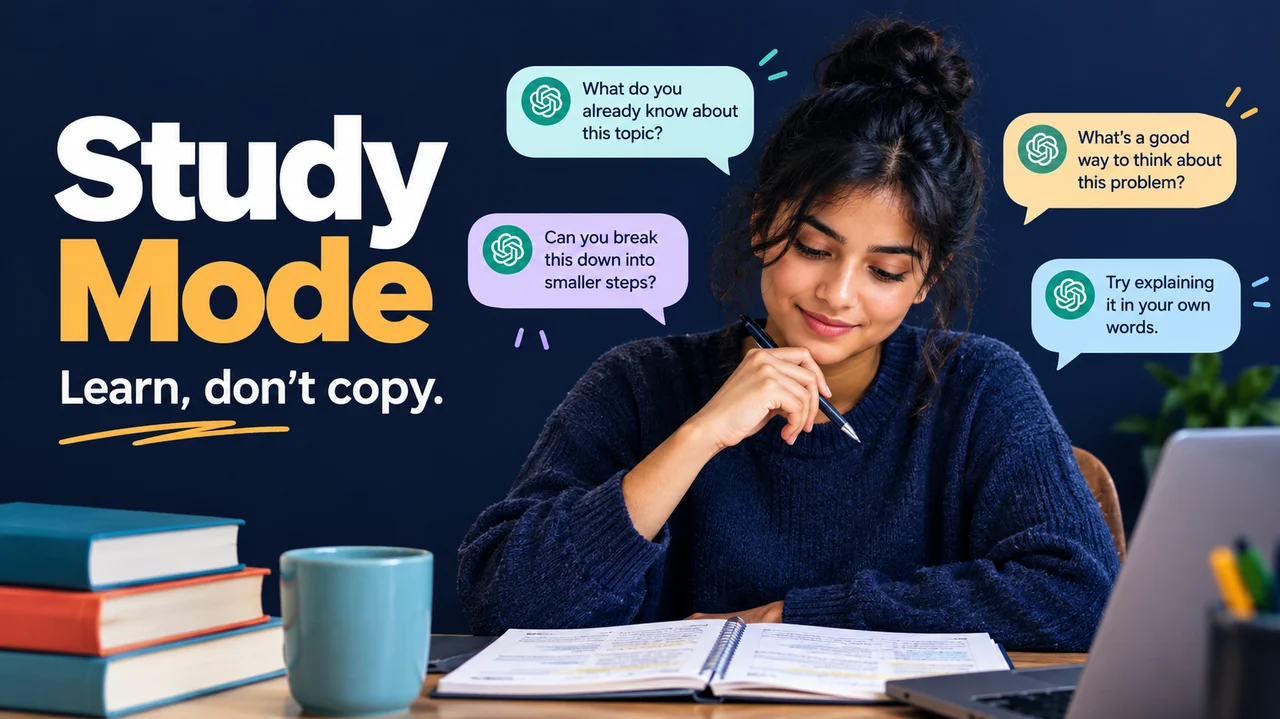
Copying an answer feels like winning. You paste it, homework looks done, and you close the tab. Then Friday arrives. The quiz asks the same idea in a new way, and your brain goes blank. That is the trap. Fast answers feel smart. Real learning feels slower, and that is the point.
ChatGPT Study Mode is OpenAI's learning experience built to fight that trap. Instead of dumping a finished solution, it can ask guiding questions, give hints, explain ideas in layers, and check whether you actually get it. Think of it as a patient study buddy who refuses to do the whole worksheet for you.
This guide is for kids (about 10+), teens, and honest learners. Inside: a 5-step loop, subject prompts, when not to use AI, and a note for parents and teachers. Soft tip: compare AI study tools later on Toolbit.ai. For now, open ChatGPT with your brain switched on.
The pain: copying feels easy, remembering does not
Most students use ChatGPT like a vending machine. Put in a question. Get an answer. Leave. That works for tonight's homework. It fails on the test that asks you to explain, apply, or spot a trick.
OpenAI launched study mode because students already use ChatGPT for homework, exam prep, and new topics, and teachers worried about answers without real understanding. Study mode is designed to help you learn something, not only finish something.
If you only copy, you train your fingers. If you struggle a little with hints and quizzes, you train your memory. Awkward struggle is a feature, not a bug.
What ChatGPT Study Mode actually is
According to OpenAI's help docs, study mode helps you build a deeper understanding of a topic. Instead of only giving a final answer, ChatGPT can:
- Ask questions that guide your thinking (a Socratic-style approach)
- Explain concepts in layers, from simple to deeper
- Check understanding with open-ended questions and feedback
- Work with uploads like notes, slides, worksheets, PDFs, or a photo of a problem
- Personalize help when Memory is on (it still works if Memory is off)
OpenAI's July 2025 launch post says study mode started as custom system instructions written with teachers, scientists, and pedagogy experts. Goals include active participation, manageable chunks, self-reflection, curiosity, and supportive feedback.
Good for: new concepts, step-by-step practice, quiz and exam prep, reviewing notes, practice questions or flashcard-style review, and figuring out why an answer is right or wrong.
Not: a free pass past school rules, a perfect tutor, or a replacement for your teacher. Study mode can make mistakes. Double-check important facts.
Availability: OpenAI says study mode works across ChatGPT plans globally on web, iOS, and Android, with the models available to you. Same message and rate limits as normal ChatGPT. Uploads depend on what your chat allows.
How to turn Study Mode on (and off)
Use a regular ChatGPT conversation. Study is not available in Temporary Chats, custom GPTs, or Projects.
On the web
- Sign in and start a new chat.
- Type
@studyin the message box, or select + and search for study. - Choose Study from the suggestions.
- Or go to chatgpt.com/studymode.
On iOS or Android
- Open ChatGPT and start a regular chat.
- Tap + to open tools.
- Select Study (search if it is not listed first).
Turn it off
Remove the Study chip from the composer (Backspace/Delete next to the Study token on web, or the remove control). On some layouts, selecting Study again toggles it off.
If Study is already on
Linked ChatGPT for Teens accounts may start some new chats in study mode during parent-set Study hours. Some ChatGPT Edu workspaces can require study mode for regular chats. Quiet hours are different: they block ChatGPT during set times. Parents manage both in Settings > Parental controls.
If Study is missing, start a fresh regular chat, update the app, hard refresh the web page, or try chatgpt.com/studymode.
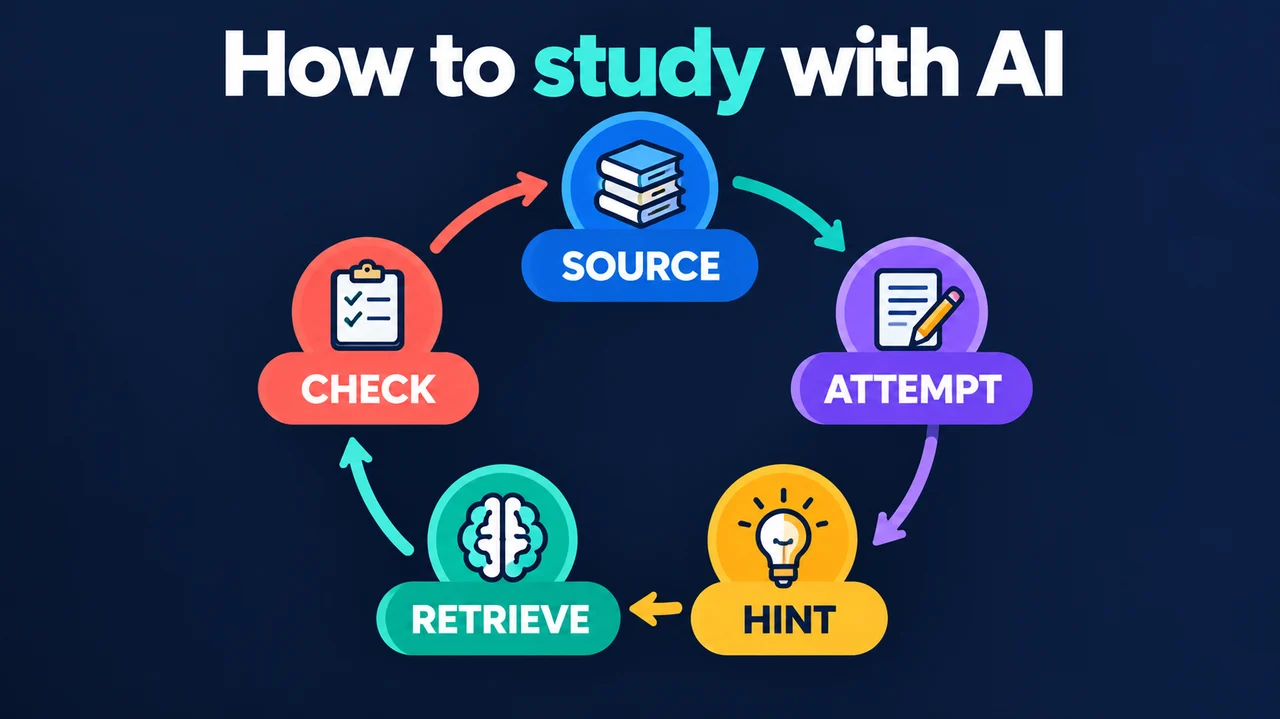
The Toolbit 5-step study loop
This is the honest learning loop we recommend at Toolbit. Study Mode helps with steps 2 and 3, but you still do the thinking.
1) Set the scene in one message
Tell ChatGPT your level, topic, goal, what you already know, and any deadline. Vague prompts get vague tutoring.
I am in grade 7 (or say high school / college / beginner).
Subject and topic: [exact topic].
Goal: [understand this / practice problems / quiz prep for Friday].
What I already know: [1-2 sentences].
Please ask me questions, give hints first, and quiz me before full answers.
2) Try first, then ask for a hint
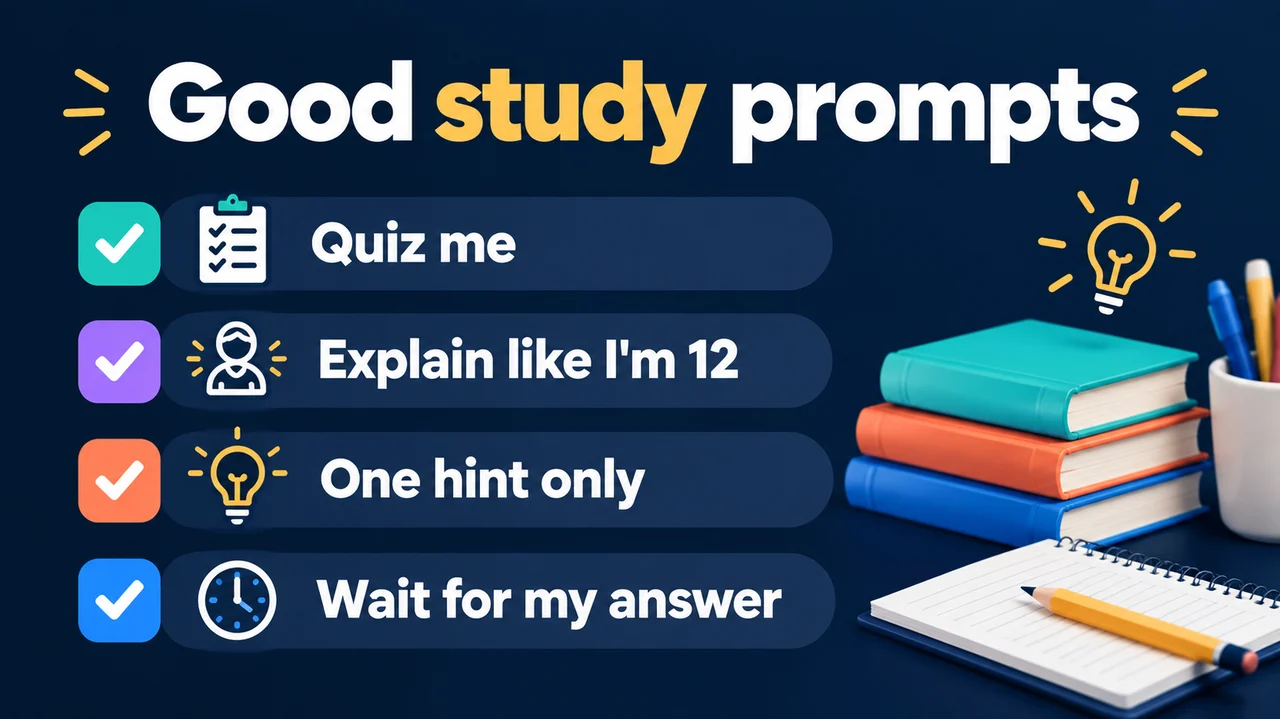
Attempt the problem or write what you think. Then say: "Do not solve it yet. What should I try next?" That tiny struggle is how memory sticks.
3) Learn in small steps
Ask for one example, one analogy, or one step at a time. Say "Pause after each step and ask if I understand." Too hard? "Explain like I am new to this." Too easy? "Give me harder questions and common traps."
4) Quiz yourself in the chat
Ask for one question at a time. Answer in your own words. Wrong answers are gold. Ask: "What did I misunderstand, and give me a similar problem."
5) Close the loop: teach it back
Explain the idea like you are teaching a smart younger sibling. Ask Study Mode to list fuzzy terms, vague spots, and the one thing you still do not get. Redo once. End with a tiny review list or flashcard-style Q&A for tomorrow.
Repeat in 20-30 minute chunks. Short and a little sweaty beats a long copy-paste session.
Prompt pack by subject (copy, paste, learn)
Turn Study Mode on first. Swap the brackets. Keep answering before you peek at full solutions.
Math
I am stuck on this type of problem: [paste or describe].
Do not solve my exact problem yet.
Tell me which method to use and why, walk me through a similar example,
then give me a new one to try. Wait for my answer.
I tried this and got [my answer]. The correct answer is [correct],
or I think I am wrong. Help me find where my logic broke.
Hints first. Full solution only after I ask.
Science
Explain [process or concept] step by step in the order it happens.
Use one everyday analogy. After that, ask me 3 check questions
one at a time and wait for my answers.
I am studying [topic]. What misconceptions do students usually have?
Quiz me to see if I hold any of them. Correct me only after I answer.
History / social studies
Explain the causes of [event] from three perspectives: [group A], [group B], [group C].
Keep each short. Then ask me to name the strongest cause in my own words
and push back if my reasoning is thin.
Give me 5 short-answer exam questions on [topic], one at a time.
After each answer, say what I got right, what I missed, and one fact to add.
Reading / English
I am reading [title or paste a short passage].
Help me decode hard lines in plain language.
Then ask me what the author is arguing, and make me support my claim with a quote.
Do not write my essay.
Here is a paragraph I wrote: [paste].
Tell me where my argument is unclear, where I repeat myself,
and where evidence is weak. Do not rewrite the whole thing unless I ask.
Suggest 2 ways I can improve it in my own voice.
Quick setup prompt (any subject)
Help me study [topic]. My level is [beginner / intermediate / advanced].
My goal is [exam prep / understand properly / homework practice].
Explain with [analogies / step-by-step / real-world examples].
Quiz me often, track what we covered, and tell me why I am wrong when I miss.
Start with [specific concept].
Want more prompt ideas and tool comparisons? Browse Toolbit AI tools and Guides & Tutorials when you are done studying.
Good use vs bad use (be honest with yourself)
| Good use | Bad use |
|---|---|
| "Hint only. Ask what I should try next." | "Just give me the full answer to submit." |
| Upload your notes and build a quiz | Paste the take-home test and copy every response |
| Ask why choice B is right after you pick | Ask it to write the graded essay for you |
| Teach it back in your own words | Never attempt the problem yourself |
| Check school AI rules first | Ignore class policy and hope nobody notices |
When NOT to use AI:
- During a closed-book test or quiz where AI is banned
- When the assignment says "no AI help" or requires fully unaided work
- When you would submit AI text as if you wrote it
- For medical, legal, or safety decisions (this is a study aid, not an expert)
- When you are hunting for the shortcut instead of the skill
Study mode may still give a direct answer sometimes. Reply: "Hints and questions only. Quiz me before explaining." ChatGPT can be wrong, so verify formulas, dates, and definitions against your textbook or teacher.
Note for parents and teachers
Study Mode is a study aid, not a babysitter. Prefer "teach and quiz me" over "do my homework," and ask kids to show an attempt first. Use Study hours on linked teen accounts for homework-time study mode, and Quiet hours for offline windows (Settings > Parental controls). Celebrate fixed mistakes. School policy still wins for graded work. Teachers still own the rubric and judgment.
FAQ
Is Study Mode free?
OpenAI's help center says study mode is available across ChatGPT plans globally on web, iOS, and Android. You still follow your plan's normal message and upload limits.
Does it work with notes and PDFs?
Yes, when uploads are available. Upload notes, slides, a worksheet, a textbook excerpt, or a photo of a problem, then say which page or question to focus on. If it misses something, paste the key text or upload a clearer image.
Can it quiz me and make flashcards?
Yes. Ask for one question at a time, practice questions, explanations of misses, or flashcard-style review. Some accounts also show learning shortcuts like Quizzes.
Why did it just give me the answer?
It can slip. Ask for hints, one question at a time, or a quiz before any full explanation. You can also say "Do not do my work for me."
Is this cheating?
Using AI to understand and practice is usually different from submitting AI work as yours. Rules vary by school and assignment. When unsure, ask your teacher. Honest default: you produce the graded work; AI helps you learn how.
Keep learning, keep ownership
Study Mode will not make hard subjects easy. It makes the hard parts interactive: questions, hints, checks, and another try. Copying is quiet. Learning is a conversation where you keep talking.
Next time you want to paste and run, turn on Study, try first, ask for a hint, and teach it back.
Explore more how-tos on Toolbit.ai, compare tools at /ai-tool, and browse /category for the next skill upgrade.