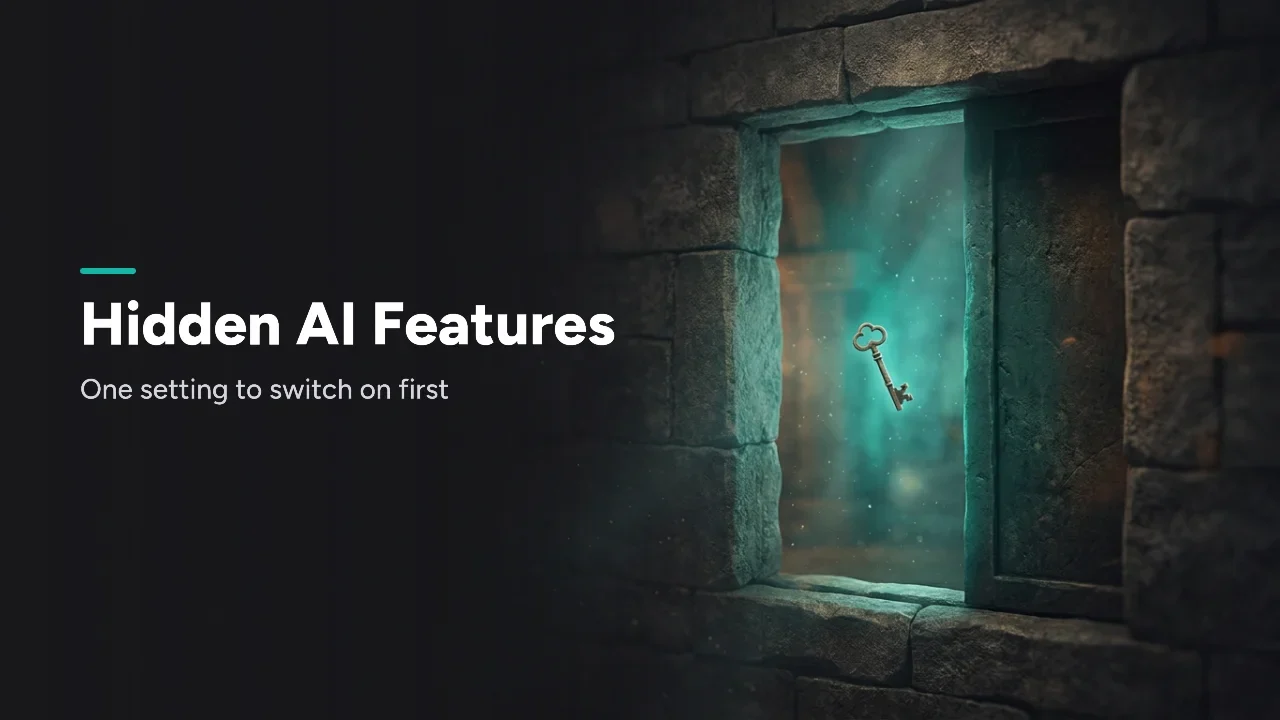
The hidden AI features worth switching on first are Claude Projects, Gemini's Take notes for me, Perplexity Projects, Grok connectors and DeepSeek's OpenAI-compatible API. Most are on free plans. ChatGPT is the exception in this list, because we couldn't confirm its settings on OpenAI's own help pages this month.
The cheat sheet: one setting to switch on first in each AI
This kit is for people who already use these six tools and want one quick win in each. Each row names the setting, the plan it needs and why it's worth a minute.
| Tool | Switch on first | Plan it needs | Why |
|---|---|---|---|
| Claude | Projects | Free (up to five projects) | Your files and chats stay in one workspace |
| Gemini | Take notes for me | Eligible Workspace edition or Google AI plan | Meeting notes land in Docs on their own |
| Perplexity | Projects (formerly Spaces) | Same limits on every plan | Research keeps its files and instructions |
| Grok | Connectors | All Grok users; business needs an admin | Grok can work with your Drive, Outlook or Teams |
| DeepSeek | OpenAI/Anthropic-compatible API | API account (pricing not checked) | For developers: existing code can switch with a base URL |
| ChatGPT | Memory controls (unverified) | Not confirmed | Check your settings yourself |
All rows were checked on October 21, 2026.
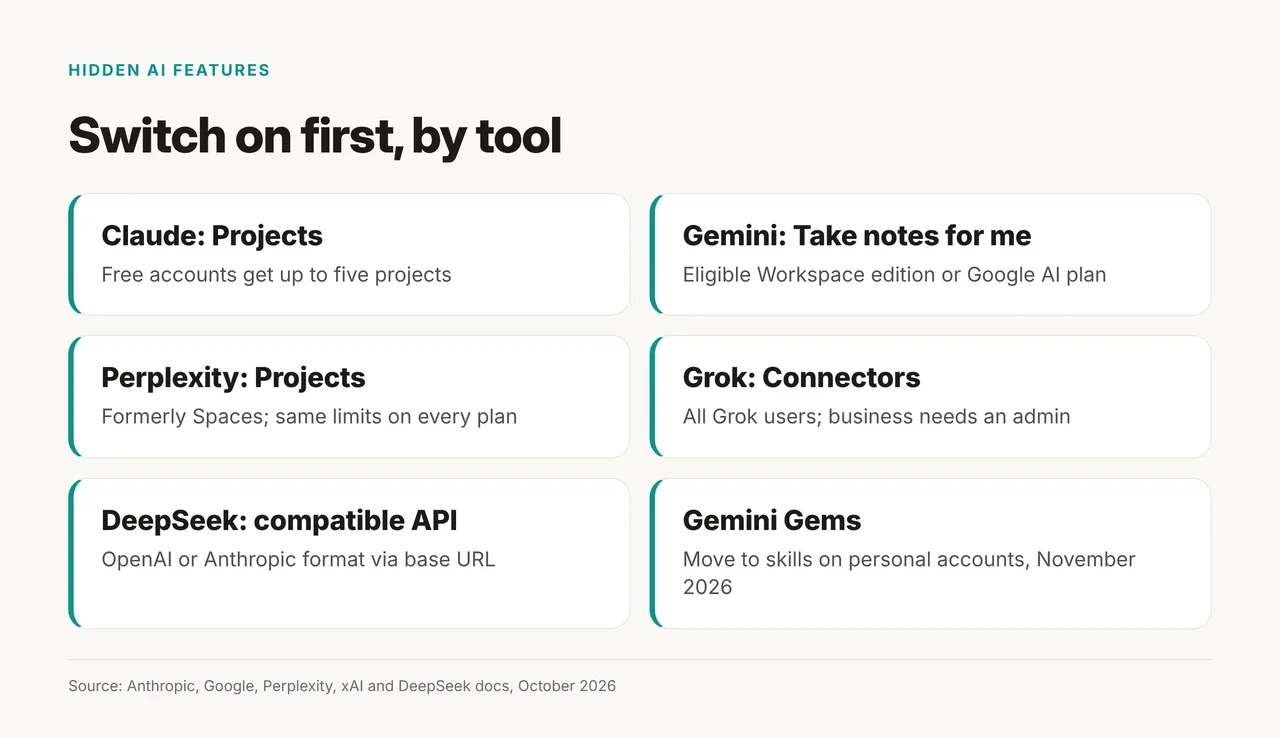
The card sums up the five verified rows and adds the Gems change, so you can save it.
Why ChatGPT has no verified row: ChatGPT memory is the setting most guides start with. OpenAI's help pages wouldn't load for us in October 2026. So we can't confirm the menu path or which plans include it. Open Settings in ChatGPT and look for memory or personalization controls before trusting any guide, this one included.
Claude: start a Project before your next chat
Claude Projects are worth turning on first. Anthropic says Projects "allow you to create self-contained workspaces with their own chat histories and knowledge bases."
- Plan: "Projects are available to all users, including those with free Claude accounts." Free accounts get up to five.
- Paid extra: on paid plans (Pro, Max, Team or Enterprise), Claude can search bigger project knowledge bases. Anthropic calls it RAG-enhanced knowledge.
- Artifacts that remember: "Artifacts can store data between sessions, so you can build things like journals, trackers, and collaborative tools." Each artifact holds up to 20 MB of text.
- Targeted edits: in a doc, highlight text and use "Edit with Claude" to change just that part.
- Real files: Claude can create "Excel spreadsheets (.xlsx), PowerPoint presentations (.pptx), Word documents (.docx), and PDF files." On Free, Pro and Max it's on by default under Settings > Capabilities.
Gemini: turn on Take notes for me in Meet
Gemini's best hidden setting lives in Google Meet. Take notes for me can "Automatically capture meeting notes organized in Google Docs and share with your team."
The notes go to the organizer's Drive, in a "Google Meet" folder. They're also "automatically attached to the Google Calendar event." You need "an eligible Google Workspace edition or Google AI plan," and admins can switch it off.
What changed: Gems still let you save custom instructions. But Google says "Starting in November 2026, Gems will go away on personal Google accounts and automatically transition to skills." Don't build a big Gem library on a personal account now.
Perplexity: use Projects, the new name for Spaces
Perplexity Spaces are now called Projects, and tech news site The Tech Outlook reports that "existing Spaces migrate automatically." Perplexity's help page lists the limits:
- Files: "Each Project holds up to 10,000 files and 5 GB of total storage, with each file up to 100 MB."
- Instructions: "up to 8,000 characters" per Project.
- Plan: the limits are "the same for everyone, on every plan."
The same news report says Projects connect to "over 400 tools and apps." That's a third-party report, not a Perplexity statement.
Grok: link your work apps with connectors
Grok connectors are open to "all Grok users." Business and enterprise accounts need an admin to set them up first.
The official connector list covers Gmail and Google Calendar, Google Drive, OneDrive, Outlook Mail and Calendar, Microsoft Teams, SharePoint and Salesforce. Notion, GitHub and Linear aren't on it.
DeepSeek: point your existing code at its API
DeepSeek is the developer pick. Its API docs say "The DeepSeek API uses an API format compatible with OpenAI/Anthropic."
- OpenAI format: set the base URL to
https://api.deepseek.com. - Anthropic format: use
https://api.deepseek.com/anthropic. Some parameters are ignored or unsupported. - Thinking: "Thinking mode is enabled by default, with the default effort being
high." That's the API, not the chat app. - Open weights: the DeepSeek-V3 code is MIT-licensed, and the weights have their own model license. It has 671B total parameters, with 37B active.
Is the DeepSeek app free and safe? We couldn't verify its free-tier limits or data handling on DeepSeek's own pages this month. Until you can, don't upload files you wouldn't share publicly.
How to adapt the kit to what you do
| Variable | What to put in | Student example | Small-team example |
|---|---|---|---|
| Main tool | The AI you open most | Claude | Gemini |
| First setting | Its row in the cheat sheet | A Project per class | Take notes for me |
| What to load | Files you reuse | Syllabus and notes | Meeting agendas |
| Check again | When plans change | Before term starts | Before November 2026 |
Torn between tools? Our compare ChatGPT, DeepSeek and Gemini page helps you pick one.
When not to use this kit
Skip it if you're on a work account your admin controls. Take notes for me and Grok connectors can both be turned off by admins. Skip the DeepSeek tip if you don't write code. And if you rely on Gems on a personal account, plan for skills instead.
Which one first? If you only change one thing today, start a Claude Project. It works on the free plan.