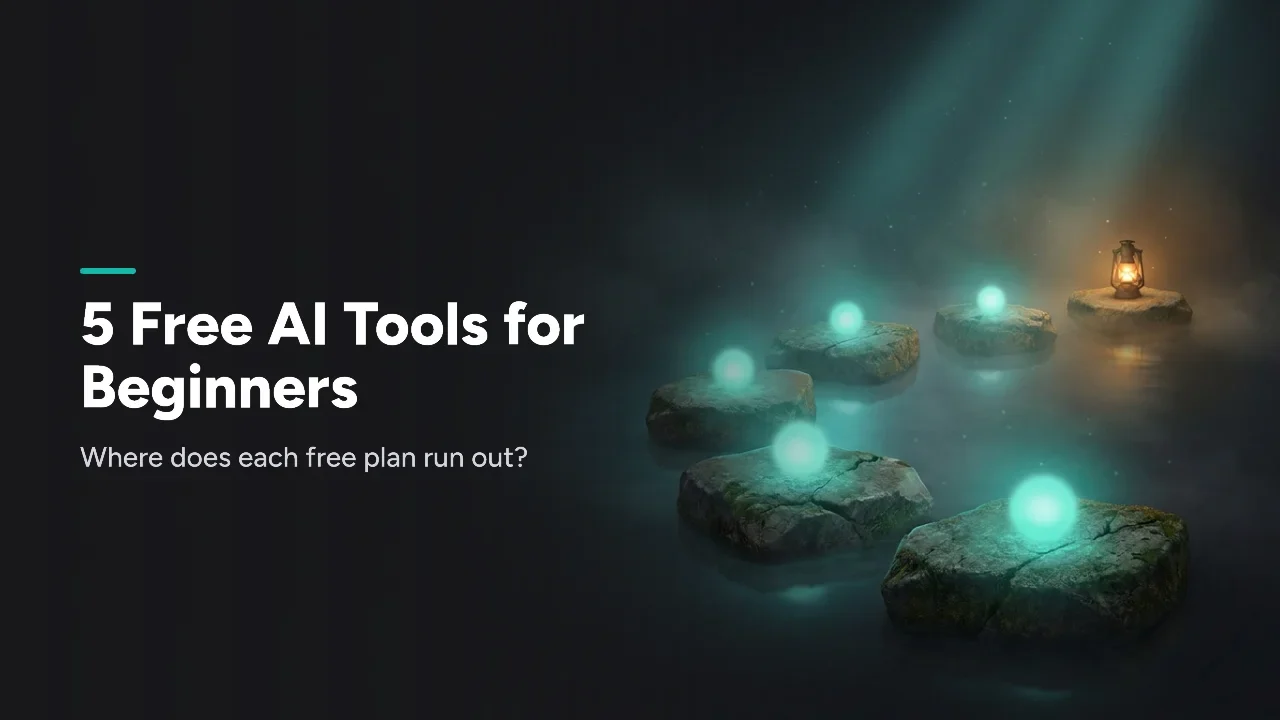
If you are new to AI, start with ChatGPT or Claude for everyday questions and writing. Then add one free tool for your main task: Perplexity for research, Canva for graphics, or Grammarly for polishing. All five have a free plan, and each one runs out somewhere different.
Start with ChatGPT or Claude, then add one tool for your task
Pick by what you do most this week, not by what sounds impressive.
- Mostly asking questions or brainstorming → ChatGPT
- Writing something long, or working from your own notes → Claude
- Researching a topic and want sources to click → Perplexity
- Need a graphic or slide today → Canva
- Polishing something you already wrote → Grammarly
Torn between the first two? Our ChatGPT vs Claude comparison goes deeper.
The cheat sheet: what each free plan gives you
Each free plan is generous in one area and tight in another. Here is the short version, from each vendor's own plan page on October 21, 2026.
| Tool | Free plan includes | Where the free plan runs out |
|---|---|---|
| ChatGPT | "Unlimited text chats" | Uploads, images, voice and deep research are "limited"; custom GPTs are a Plus feature |
| Claude | Chat, web search, files, Artifacts, "Projects Up to 5" | Usage resets on a rolling five-hour window; no Research or Opus |
| Perplexity | "Practically unlimited basic searches" | "Very limited amount of Pro Searches"; no image generation |
| Canva | Templates, photos, "1 Brand Kit (3 colors only)" | "Up to 20 Standard or Premium AI uses" |
| Grammarly | Corrections, tone, "100 AI prompts" a month | Full-sentence rewrites and plagiarism checks are Pro |
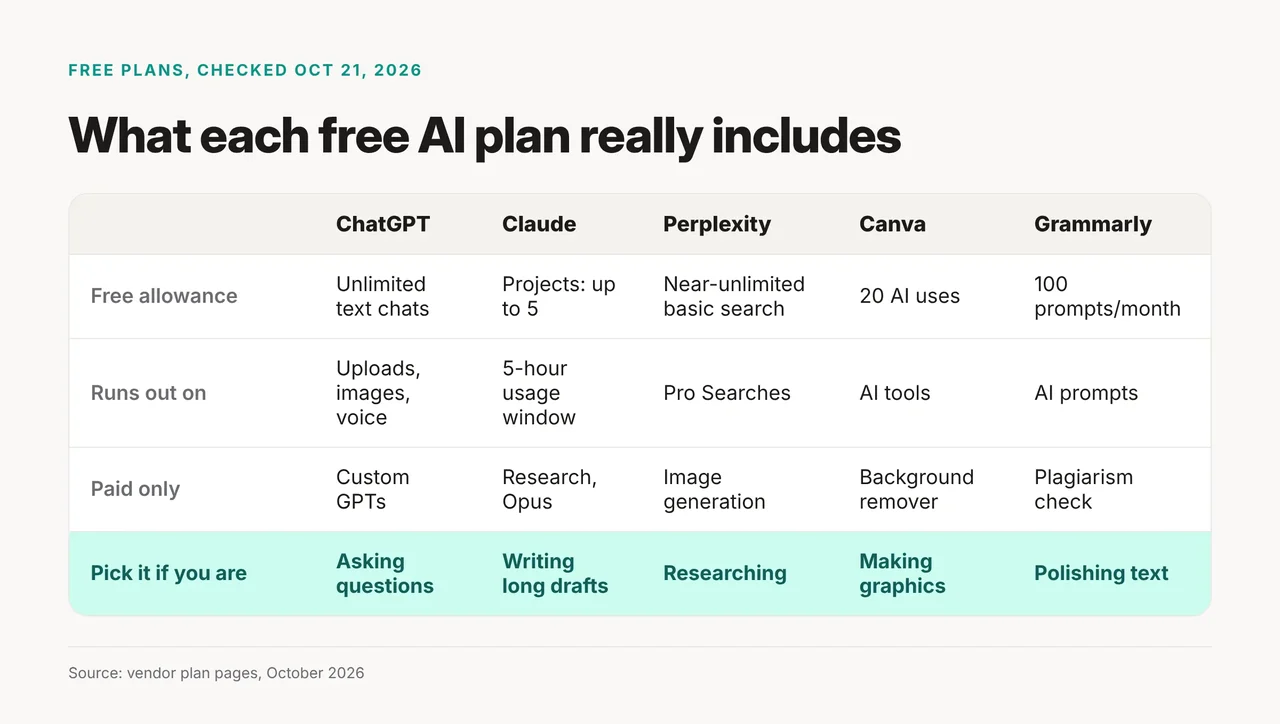
The card shows the same limits, plus one paid-only feature per tool.
Tool by tool: where each free plan stops
ChatGPT: free for text chats, limited elsewhere
OpenAI's ChatGPT plans page lists "Unlimited text chats with GPT-6" on Free, "subject to abuse guardrails." Uploads, image creation, voice chats, deep research and memory are all marked "limited." Custom GPTs, Projects and scheduled tasks sit under Plus, not Free.
Free also gives GPT Instant a smaller context window, 27K versus 54K on Go and Plus, so long chats lose track sooner. Start a new chat for each new topic.
Claude: strong for long writing, with a usage window
The Claude pricing page says Free covers web, desktop and mobile chat, web search, file creation, memory and Artifacts. You can keep up to five Projects, folders that hold your files and chats on one topic. Free usage resets on a rolling five-hour session window, and Anthropic gives no fixed message count.
Free includes Sonnet and Haiku, but not Opus or the Research feature. Paste in messy notes and ask for a structured first draft. That is where it shines.
Perplexity: research answers with sources
Perplexity's help center lists "Practically unlimited basic searches" on the free plan, plus search history. You get a "very limited amount of Pro Searches," with no number given. Advanced models and image generation are Pro features.
We could not confirm on Perplexity's plan page whether you can search without an account, so plan to sign up. For alternatives, see AI search engines compared.
Canva: design help with a small AI allowance
Canva Free includes "1.6M+ templates," "5GB of cloud storage" and "1 Brand Kit (3 colors only)." AI is a shared pool: "Up to 20 Standard or Premium AI uses." Background removal and one-click resize fall under Pro's AI tools.
Spend those 20 uses on the design you need most, then edit by hand.
Grammarly: a free writing check in your browser
The Grammarly plans page lists three things on Free: "Write without mistakes," "See your writing tone" and "100 prompts / month" of AI text. Rewriting full sentences, adjusting tone, and plagiarism and AI-text detection are Pro. Citation help is Pro too.
How to adapt the kit to your task
Swap in your own task and limit, then pick one tool to try today.
| Variable | What to put in | Student example | Small-business example |
|---|---|---|---|
| Main task | The job you do most | Summarize lecture notes | Write a product post |
| First tool | ChatGPT or Claude | Claude | ChatGPT |
| Add-on tool | One of the other three | Perplexity for sources | Canva for the graphic |
| Free limit to watch | From the cheat sheet | Few Pro Searches | 20 Canva AI uses |
Before you paste anything personal, read what not to paste into AI.
When not to use these free plans
Skip the free tier if you hit the same wall every day. That means Claude's five-hour window, Canva's 20 AI uses, or Grammarly's 100 prompts. Skip it for work that needs custom GPTs, plagiarism checks or Claude's Research feature, since those are paid. And skip all five for anything private you would not share with a company.