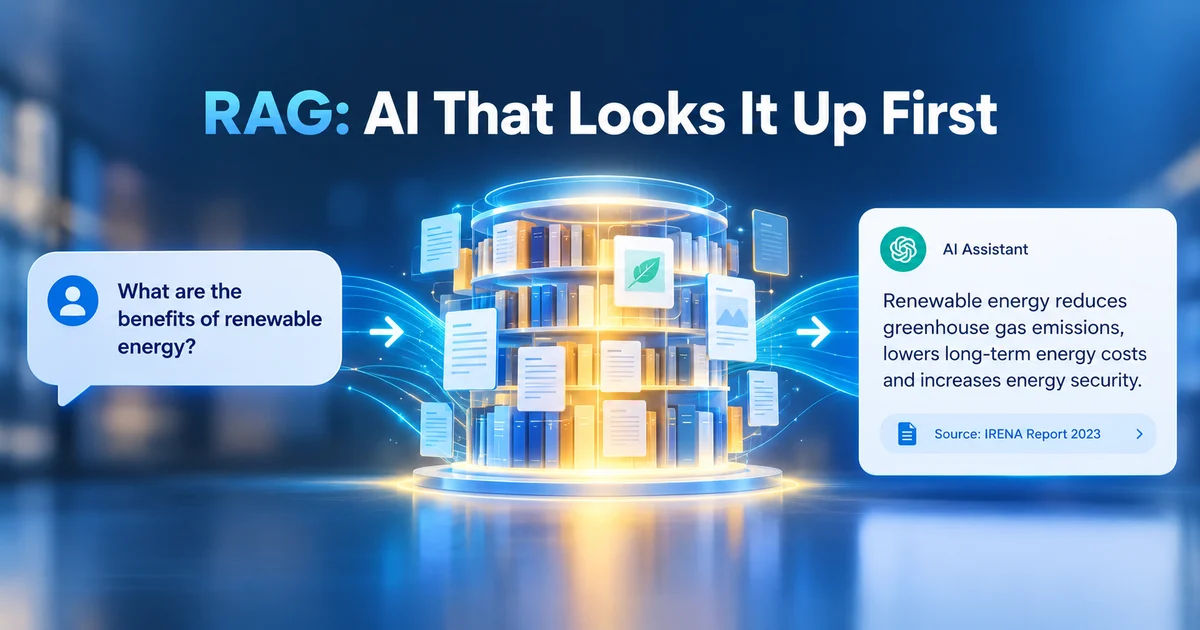
RAG stands for Retrieval-Augmented Generation. It is a technique where an AI model looks up relevant information from an external knowledge source first, then writes its answer using both what it found and what it already knows. In plain terms: an AI that checks the docs before it speaks.
That is the difference between a model that guesses and a model that looks things up. One reaches into memory and hopes for the best. The other walks to the filing cabinet, finds the right page, and answers with that page still in hand. Same technology, completely different level of trust.
The name arrived with a research paper, "Retrieval-Augmented Generation for Knowledge-Intensive NLP Tasks", first submitted to arXiv on 22 May 2020 by Patrick Lewis and eleven co-authors. The work was done mostly at Facebook AI Research (this was before the lab was renamed Meta AI), with partners at University College London and New York University, and the paper was accepted at NeurIPS 2020. One detail worth savoring: in the paper, "RAG" was the name of one specific trained model, combining a pre-trained language model with a searchable vector index of Wikipedia. Today the same three letters name the whole pipeline pattern, and vendors like AWS, Google, and Microsoft all define it that way. That modern pattern is what this post walks through.
In short
- RAG = an LLM that looks things up before answering. The model is not retrained; it is simply handed the right facts at the right moment.
- It fixes four weaknesses of a plain model: hallucination, stale knowledge, no access to your private data, and terminology confusion.
- The pipeline: prepare and chunk your documents, embed them into a vector database, retrieve the relevant chunks at question time, insert them into the prompt, and generate an answer with citations.
- You already use it daily: Microsoft 365 Copilot, OpenAI File Search, and Gemini grounding with Google Search are all retrieval-augmented.
- Rule of thumb: RAG for fresh or private knowledge, fine-tuning for behavior, long context for small, bounded document sets.
Why can't a plain LLM answer questions about your data?
A plain LLM cannot reliably answer questions about your data because it has never seen your documents: its knowledge is frozen at training time, so it either admits it has no idea or invents a plausible-sounding answer. You have probably lived this frustration. You ask an off-the-shelf model about your 2026 price list or your internal travel policy, and one of two things happens: it says it has no idea, or it invents a plausible-sounding answer on the spot. Neither one helps you.
Underneath that frustration sit four limitations that every plain LLM shares, no matter how big it is:
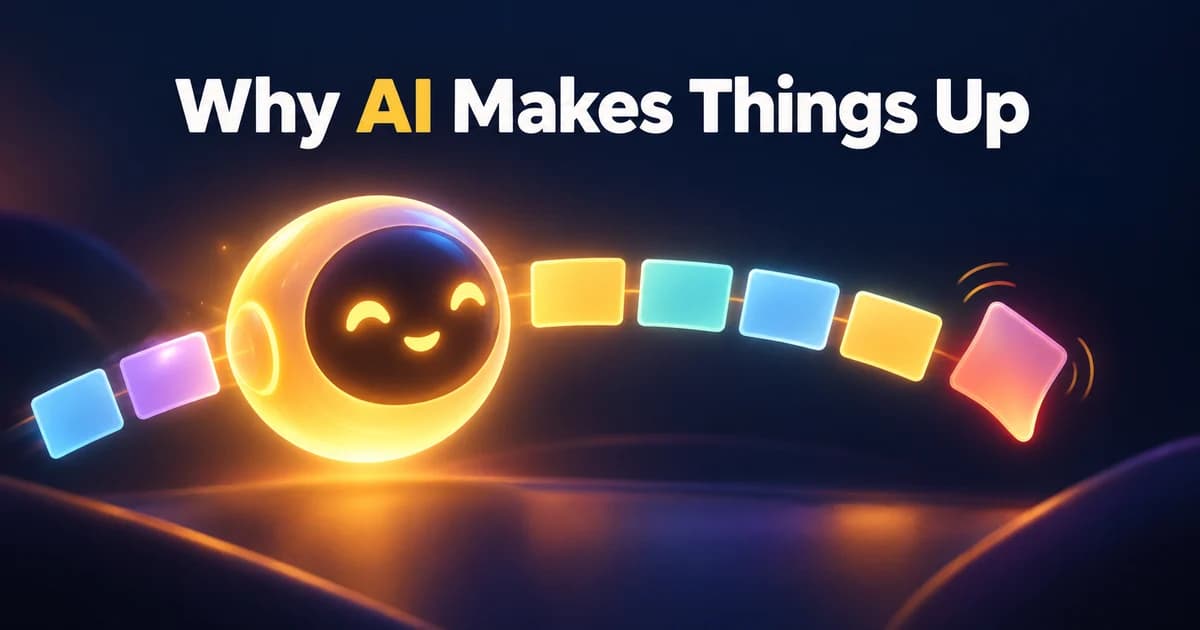
- Hallucination. The model is built to produce fluent text, and fluency does not require truth. AWS describes it bluntly: presenting false information when it does not have the answer.
- Stale knowledge. Training data is static, frozen at a cut-off date. A model trained last year simply does not know this year's pricing.
- No access to private data. Your contracts, wiki pages, tickets, and policies were never in the training set. The model cannot see them, no matter how politely you ask.
- Terminology confusion. Different training sources use the same term to mean different things, so the model blends meanings and sometimes answers the wrong question entirely.
RAG flips the situation for the better, and the benefits matter most to decision-makers. When the model answers from retrieved documents, it can cite its sources, which builds user trust. You decide which sources are authorized and who gets access to what. And you never pay to retrain the foundation model; you just keep the documents it reads up to date.
One nuance to carry with you: retrieval itself has to be relevant. If the lookup grabs the wrong passages, the model can still produce an answer that is, in Google's words, "grounded but off-topic or incorrect." RAG moves the hard part from "knowing everything" to "finding the right thing," and that idea comes back in the FAQ.
How does RAG actually work, step by step?
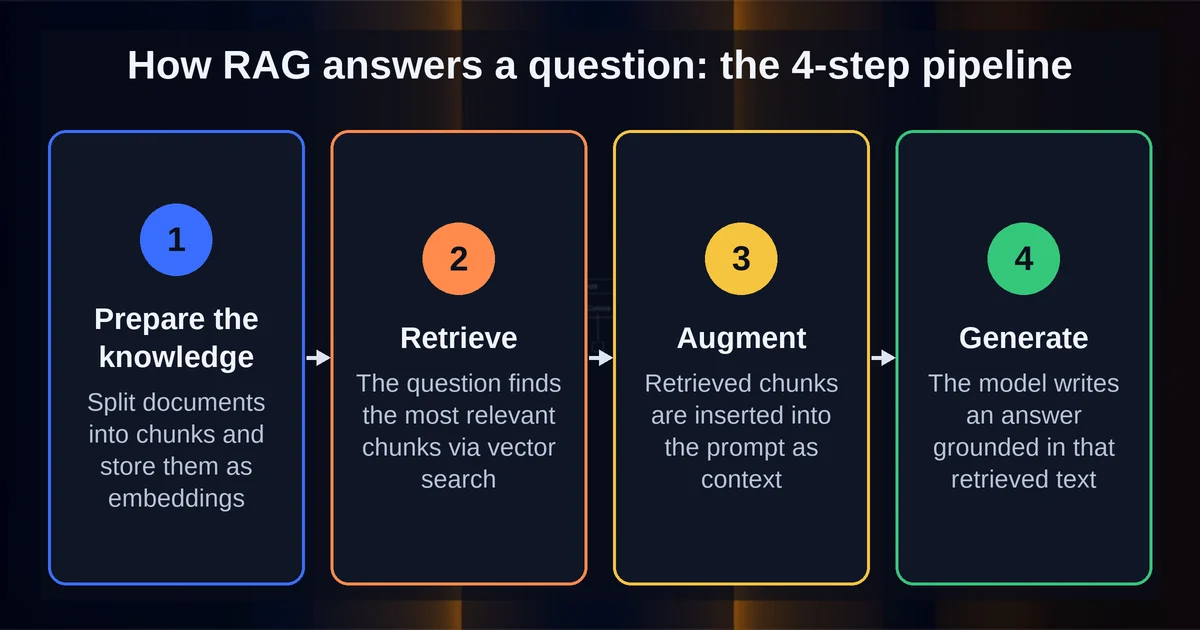
The RAG pipeline has four steps: prepare and chunk your documents, embed them into a vector database, retrieve the most relevant chunks when a question arrives, then insert those chunks into the prompt and generate a cited answer. The easiest way to understand it is to walk one example end to end. Picture an HR chatbot inside a company, and an employee types: "How much annual leave do I have?"
Step 1: Prepare the knowledge
Long before any question arrives, you collect the external data the model should be able to use: API responses, database records, document repositories. In our example, that means the leave policy PDF plus each employee's own leave record. An embedding model converts that data into numerical representations, and documents are chunked into pieces first. Real production numbers, from OpenAI's File Search: chunks of 800 tokens with 400 tokens of overlap. Everything is stored in a vector database.
Here is the plain-English trick that makes it all work: every document becomes a list of numbers, arranged so that things with similar meaning sit near each other in space. Microsoft describes vectors exactly this way: semantically similar data points cluster together, which lets search go beyond exact keyword match. With that in place, "annual leave" can match "vacation days" without sharing a single word.
Step 2: Retrieve
When the question comes in, it gets embedded too, becoming numbers in that same space. The system matches the question vector against the vector database, a technique called semantic search. Modern stacks add hybrid search (semantic plus keyword) and a re-ranker that scores the results so the best passages rise to the top. For the leave question, the system pulls the relevant policy section and the employee's own leave record.
Step 3: Augment
The retrieved chunks are inserted into the prompt together with instructions on how to use them. This is prompt engineering at work, and it is a light touch of a broader discipline: designing what the model sees is its own craft, one that has grown into context engineering.
Step 4: Generate, and keep it fresh
Finally, the LLM writes its answer grounded in the retrieved text, with citations pointing back to the sources. Then comes the part people forget: external data must be updated asynchronously. When a document changes, it needs re-embedding and re-indexing, or your beautifully grounded chatbot slowly drifts back toward stale answers. Hold that thought for the FAQ.
Where are you already using RAG without knowing it?
If you use Microsoft 365 Copilot, OpenAI File Search, or Gemini grounding with Google Search, you are already using retrieval-augmented generation every day. RAG is not a lab technique. It is the plumbing underneath products you probably already pay for.
Microsoft 365 Copilot grounds its answers in your own tenant data. Microsoft documents the flow openly: your prompt goes to Copilot, it pulls relevant information from the Microsoft Graph and a semantic index, builds a modified prompt for the LLM, and returns the response. That is retrieve, augment, generate, running quietly at enterprise scale.
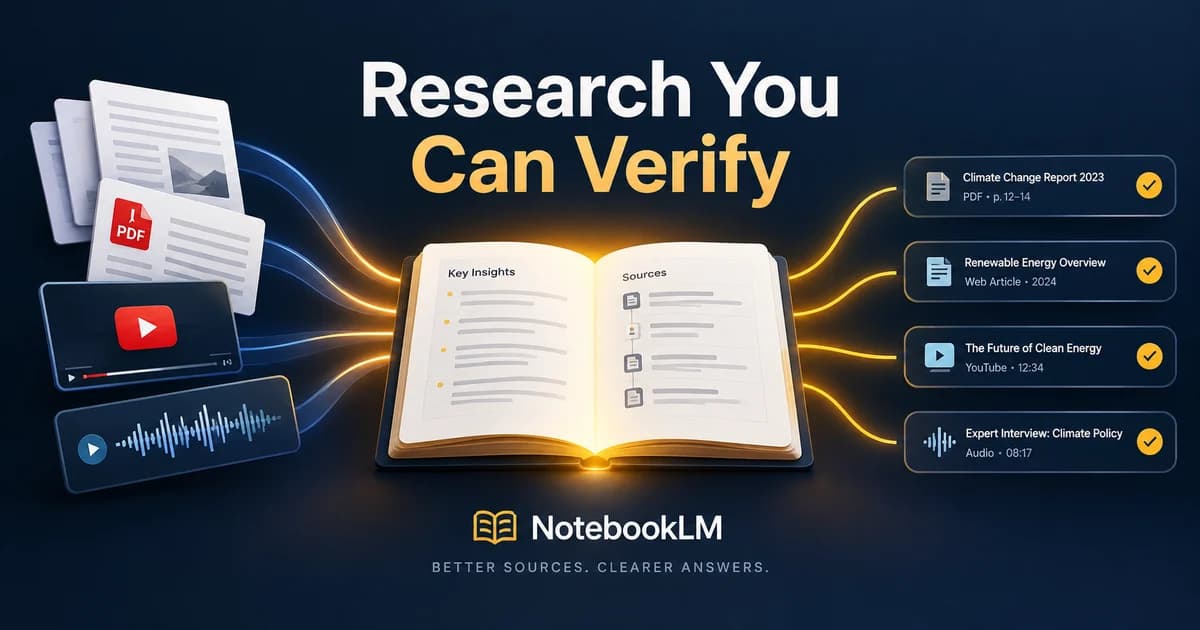
OpenAI File Search, part of the Responses and Assistants APIs, is hosted RAG. It automatically parses and chunks your documents, creates and stores the embeddings, runs vector plus keyword search, applies reranking, and passes up to 20 retrieved chunks into the model's context, with citations attached.
Gemini grounding with Google Search works the same way, but with the live web as its filing cabinet. The model generates one or more search queries, executes them itself, processes the results, and returns an answer with inline citations.
On the AWS side, the Amazon Kendra Retrieve API does the same retrieve-and-ground job for AWS stacks, pulling up to 100 semantically relevant passages per query.
The bigger point: connecting LLMs to external data and tools has become a pattern of its own, with open standards like MCP emerging so that such connections do not have to be rebuilt from scratch for every app.
When should you use RAG instead of fine-tuning or a bigger context window?
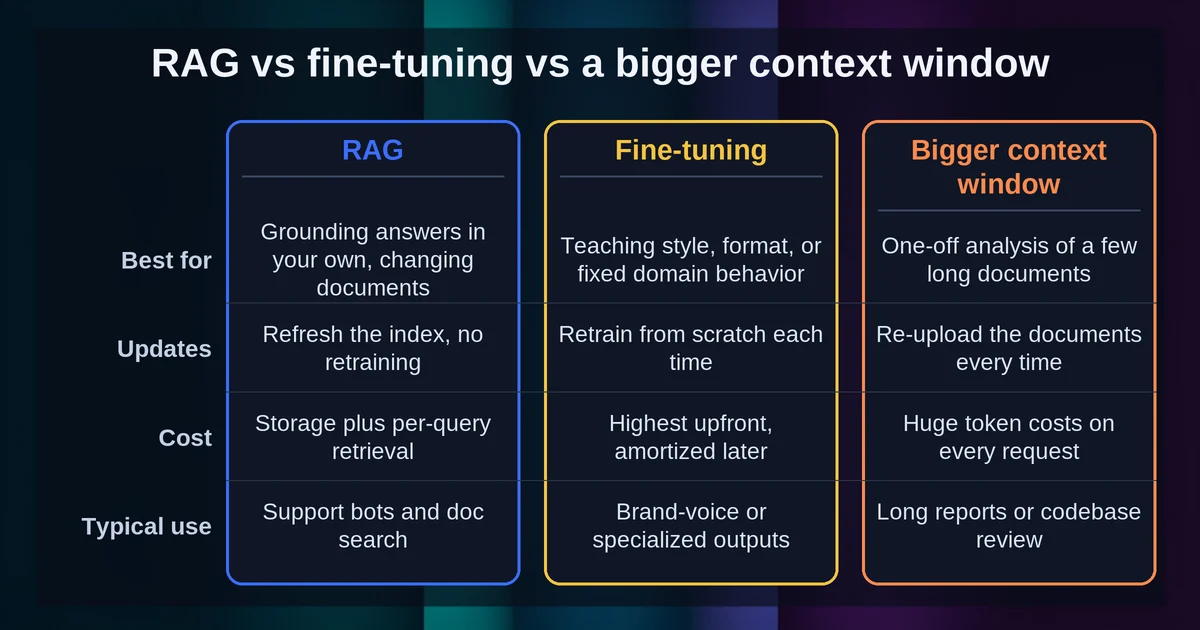
Use RAG when your knowledge is private, changing, or too large to paste into the prompt; use fine-tuning to change behavior and style, and a long context window for small, bounded document sets. As of this writing, flagship models ship enormous context windows of roughly a million tokens: GPT-6 Astra around 1.05 million, Claude Opus 5 and Sonnet 5 at 1 million, and Gemini models at 1 million or more. These numbers move fast, so treat them as a snapshot rather than a constant. (One footnote: GPT-4.1 also had a million-token window, but it was retired from ChatGPT in February 2026 and now lives on in the API only.)
So why not just paste all your documents into every prompt?
- Context rot is real. Anthropic names the problem in its own documentation: as token count grows, accuracy and recall degrade, a phenomenon known as context rot. More room does not guarantee better recall.
- Scale breaks the math. Microsoft's Azure docs use a concrete example: a model accepts about 128K tokens, but you have 10,000 pages of documentation. Sending everything wastes tokens and degrades quality.
- Cost compounds. Google's positioning is clear: long context is a great way to provide source materials, but once you need more than fits, or want to scale up, a RAG approach reduces tokens and saves time and cost.
Put together, the decision looks like this:
| RAG | Fine-tuning | Long context window | |
|---|---|---|---|
| What it changes | The facts the model can see | The model's behavior, style, format | How much text fits in one prompt |
| Freshness | Re-index changed docs anytime | Frozen at training time | Fresh only if you paste fresh text |
| Cost profile | Ongoing data maintenance, cheap per question | Expensive retraining, cheap per question | Higher per-request token cost |
| Best for | Private, changing, or large knowledge | Teaching habits, tone, output format | Small, bounded document sets |
Notice the fine-tuning column. Fine-tuning is the wrong tool for knowledge injection: it changes how the model behaves, not what it knows, and whatever it learned is frozen at training time anyway. Meanwhile, AWS frames retraining as exactly the expensive alternative that RAG exists to avoid.
And none of this is either/or. Modern systems combine all three: a fine-tuned model with a long context window, grounded by RAG over your private documents.
FAQ
Does RAG eliminate hallucinations?
No, it reduces them. The model still writes the final answer, so it can still go wrong, and irrelevant retrieval can produce answers that are "grounded but off-topic or incorrect," as Google warns. RAG moves the failure surface from the model's memory to your retrieval quality, which is something you can actually measure and fix.
What's the difference between RAG and semantic search?
Semantic search is one component of RAG: it is the retrieve step. RAG then adds the other half, inserting what was found into the prompt and generating a cited answer from it. You can use semantic search on its own to rank documents; RAG is what turns those documents into a written response.
What is agentic retrieval?
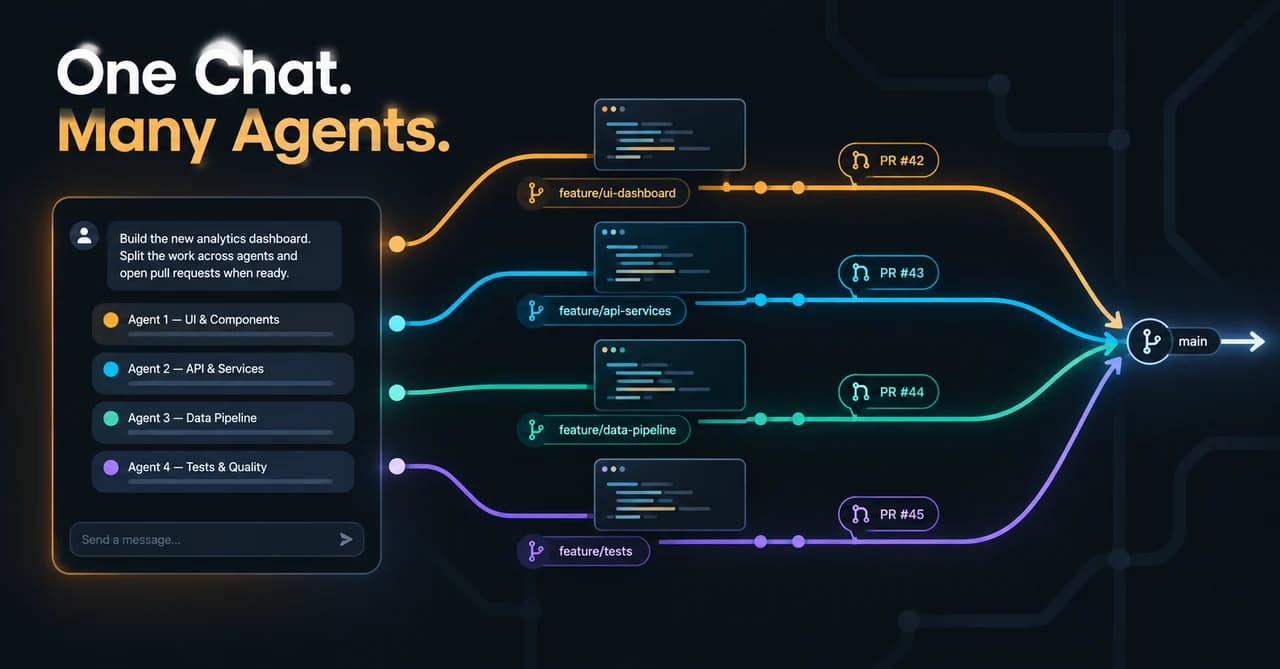
It is the same goal with smarter retrieval. Instead of one lookup per question, an LLM plans and runs multiple searches and then synthesizes the results, which Azure AI Search positions as the evolution of classic single-query RAG. Retrieval stops being a fixed step and starts behaving like an agent deciding how to research.
What does it take to keep a RAG system's knowledge current?
You re-embed and re-index documents whenever they change, on a schedule that matches how fast your sources change. Skip that maintenance and answers quietly drift back toward stale. Budget for the pipeline's upkeep, not just its build.
The mental model to keep: RAG turns an LLM from a know-it-all into a well-prepared colleague, one who checks the filing cabinet first and shows you the page afterwards. When knowledge is private, changing, or simply too big to paste in, retrieval beats memory. Now that you know the pattern, you will start spotting retrieval-augmented features everywhere, in the products you already use every day. Ask your tools where their answers come from; the good ones will happily show you the receipt.